Pay first at the counter
In a café without tables the till opens in Takeaway; once payment is taken the item is sent to the bar.
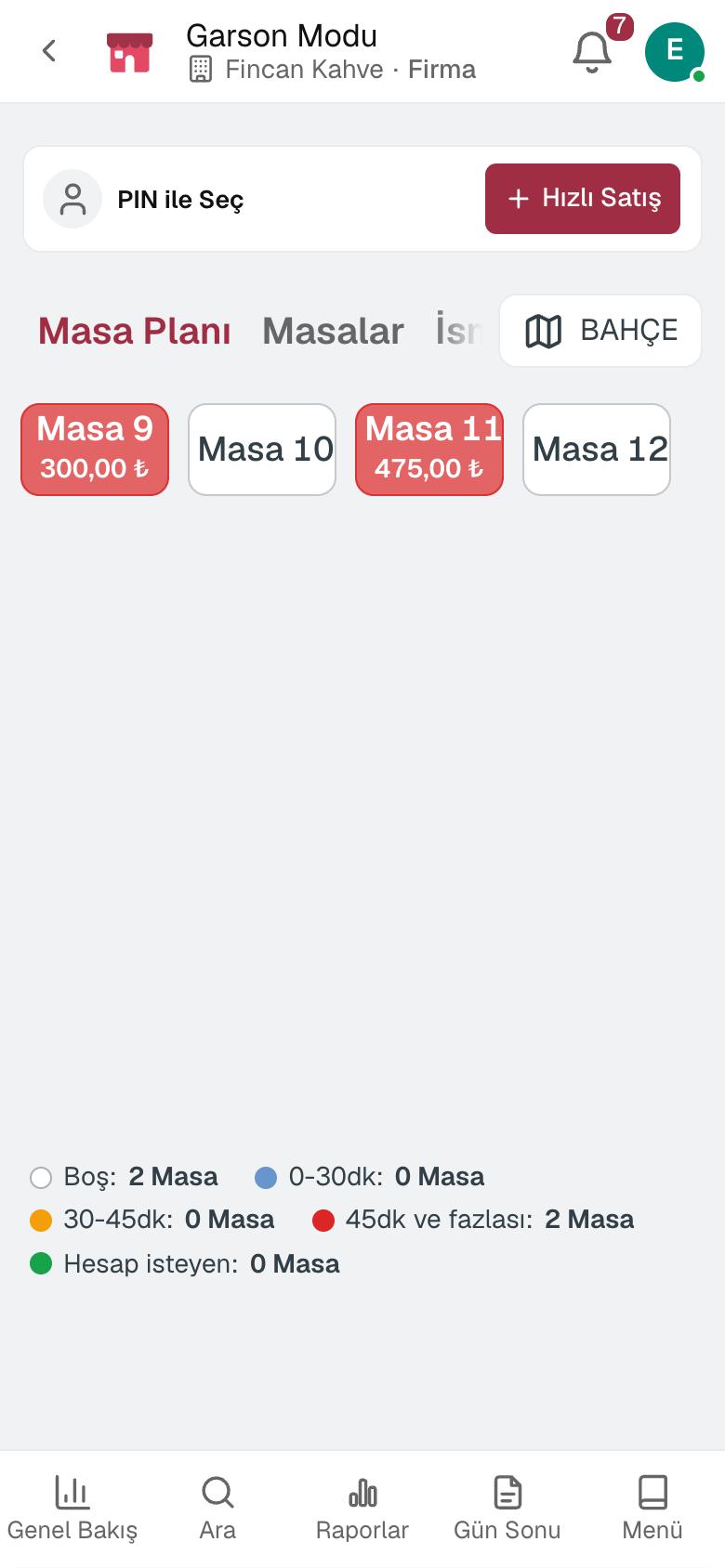
For cafés and coffee shops: a till that takes payment first at the counter, size and milk options, call numbers, bar and kitchen display, QR menu and end of day. In a café with tables the till works from the table plan.
Other lines of business: Grocery stores and corner shops · Patisseries and bakeries · Greengrocers
Cafés and coffee shops
In a café without tables the till opens in Takeaway; once payment is taken the item is sent to the bar.
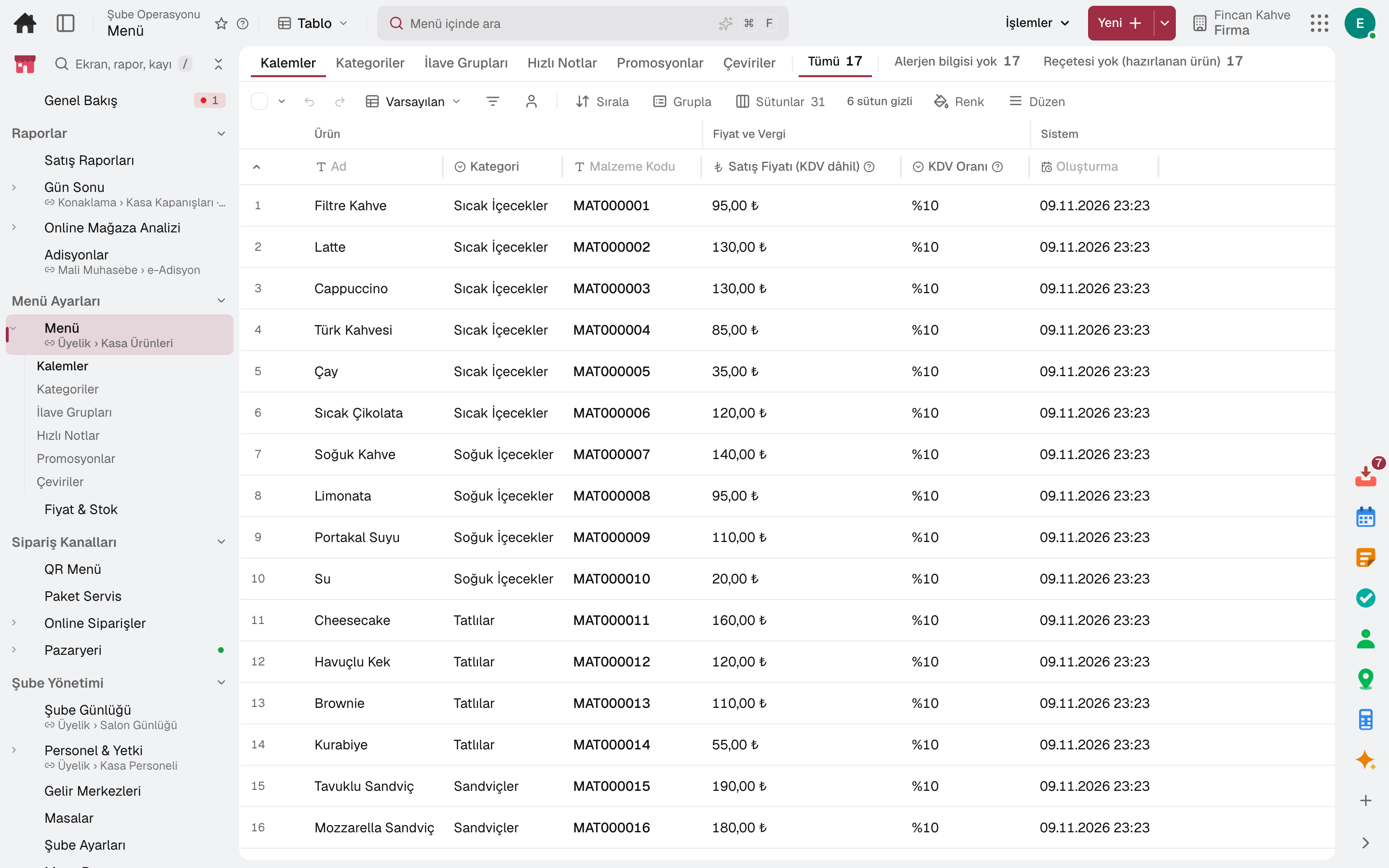
Modifier groups are defined with a minimum and maximum selection; when oat milk is chosen, oat milk rather than cow's milk is deducted from stock.
Setup brings coffee, tea and sandwich categories and the Size and Milk modifier groups ready-made.
The order number is the same on the receipt and on the customer board; a ready order appears on the board.
Items sent from the till land on the screen; a tap advances the item and the waiting time warns by colour.
When a product is tapped, the suggested product is added to the check with one tap.
A day
The till session starts with the opening cash.
Products are added by touch or barcode and payment is taken; items for the kitchen land on the kitchen display.
A sold-out product closes for sale; price changes are made from one list.
The till is counted and the difference is recorded; the Z receipt is posted to accounting.
The day's sales are seen by product, category, hour and payment type.
Frequently asked
Yes. In a business with tables the till works from the table plan; the waiter takes orders on a phone.
The kitchen display works without a paper printer; items land on the screen.
Try it free for 15 days; no credit card needed. We reply to your questions within one business day.