Ready-made fast food template
Setup brings the Menus, Pizzas, Burgers, Döner, Chicken and Sides categories and the Dough, Bread, Sauce and Spice modifier groups ready-made.
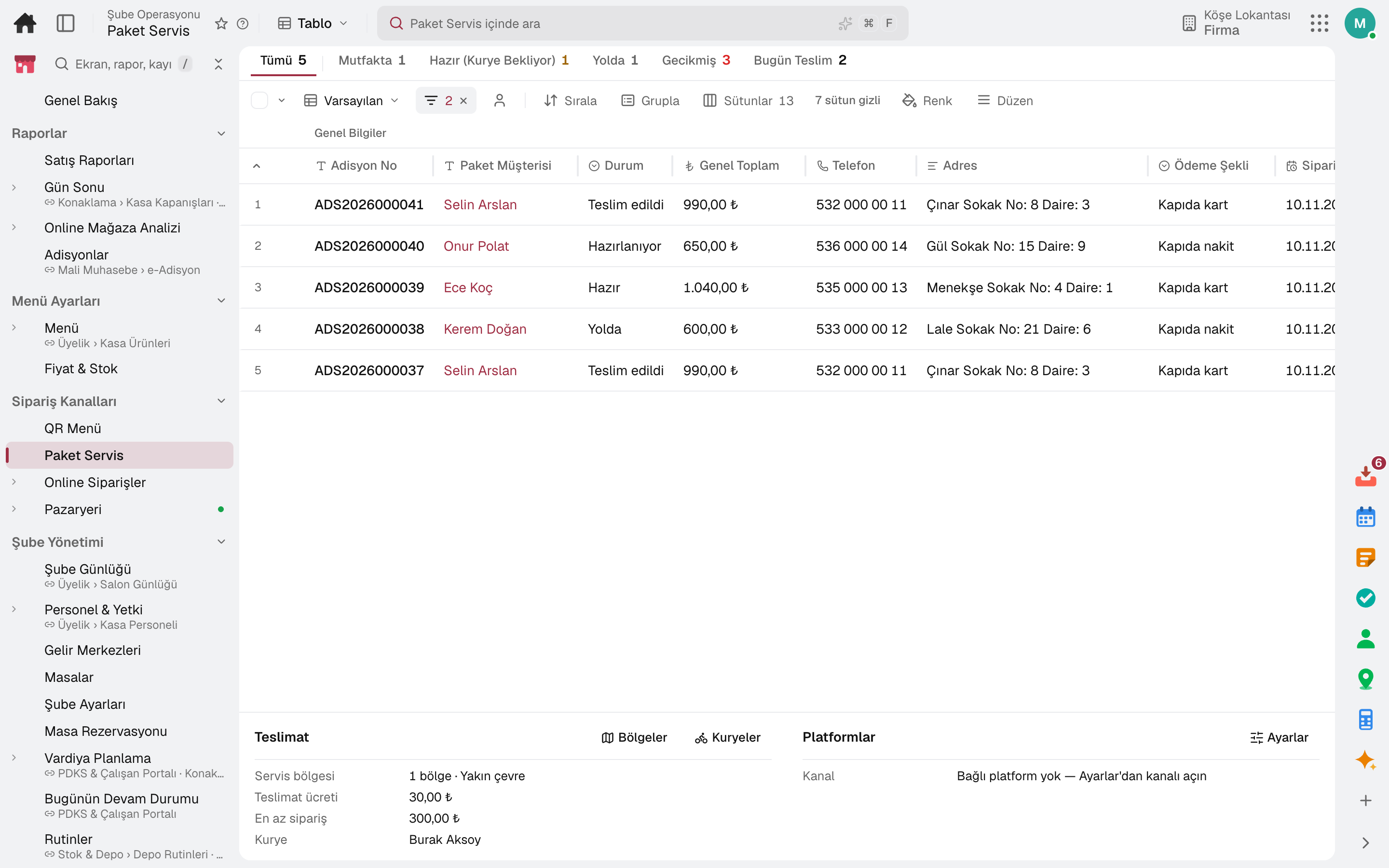
For fast food and delivery businesses: ready-made fast food menu template, pay-first at the counter, a single order number, half-and-half pizza, phone orders, delivery zones and couriers. When the kitchen finishes, the order turns ready on its own.
Other business types: Café and coffee shop · Patisserie and dessert shop
Fast food and delivery
Setup brings the Menus, Pizzas, Burgers, Döner, Chicken and Sides categories and the Dough, Bread, Sauce and Spice modifier groups ready-made.
The till opens as Takeaway; once payment is taken, the order goes to the kitchen.
The order number is the same on the receipt, on the customer board and in the "ready" message.
Each half of a pizza is chosen from a different product; the price of extras depends on the pizza size.
The customer is found by phone number and the address is picked from the address book; the order reaches the kitchen and the board.
The zone's delivery fee and minimum order are checked; couriers see their own orders on their phones.
A day
The till session starts with the opening cash.
The waiter picks the table on the phone, takes the order and sends it to the kitchen.
Items reach the kitchen display; what is ready is served.
Phone orders are handed to the courier; the evening's reservations wait on the timeline.
The till opens the table from the plan, splits the bill and takes payment.
The cash drawer is counted and the Z report is posted to accounting; the day's sales are in the report.
Frequently asked
Yes. The kiosk runs in portrait or landscape; orders reach the till and the kitchen with the day's queue number.
In courier settlement, the returning courier's orders are closed in one go by payment method.
Try it free for 15 days; no credit card needed. We reply to your questions within one business day.