Estimates and unit prices
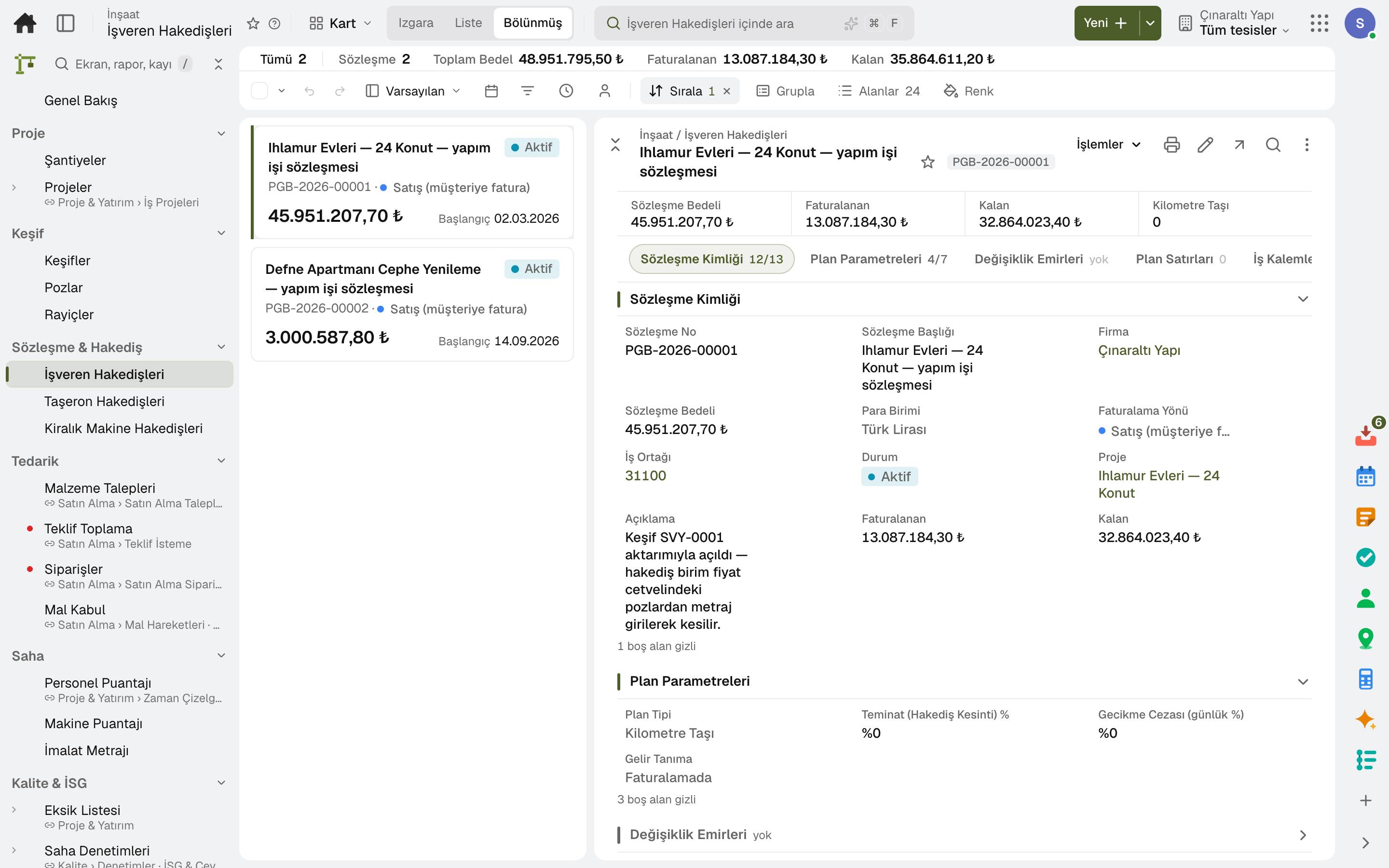
Items come from unit price items or are entered by hand, and the unit price is calculated with overheads and profit; a finalised estimate is transferred to the progress billing contract and the project budget.
For companies that build homes and take on renovation work: estimates and quotes, progress billing and change orders, project budget, site diary, the punch list and the client's own page. Accounting, purchasing and stock share the same data.
Home builders and renovation
Items come from unit price items or are entered by hand, and the unit price is calculated with overheads and profit; a finalised estimate is transferred to the progress billing contract and the project budget.
The progress billing contract and the advance are on the same record; a change order is applied to the contract's value and duration.
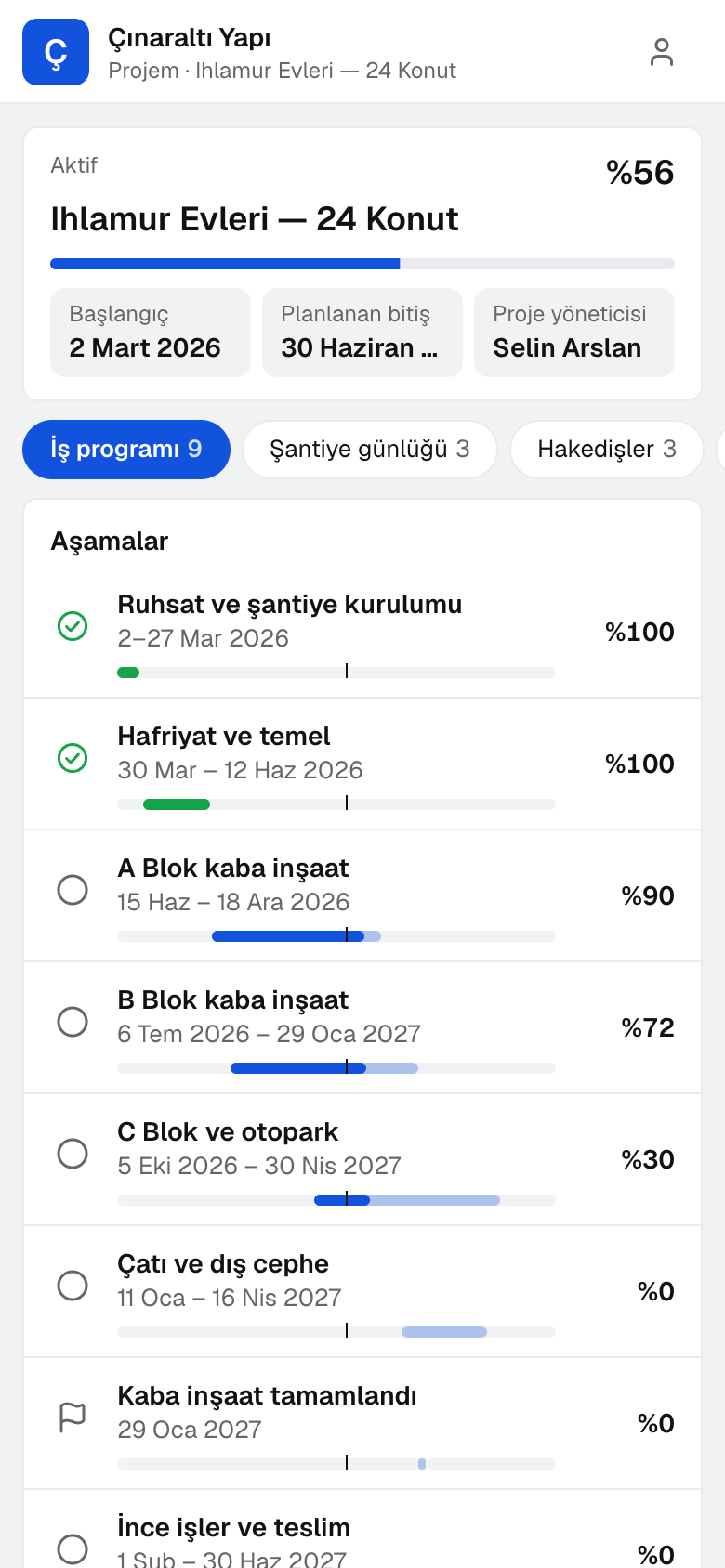
On the «My Project» page the client sees the work schedule, the shared site diary and the progress billings, and puts questions to the project team.
The client makes material selections on their own page; any amount over the allowance becomes a change order.
The day's report, photos, timesheets and work records come together in the site diary; a shared diary is visible to the client.
Pre-handover snags and defects sit in one list with due date, location and responsible company; the site marks them fixed, someone else verifies, and items within the warranty period are flagged.
A day
The day's work, headcount and weather are recorded; a day shared with the client appears on their page.
The day's production is entered against the estimate line, and the crew's and machines' hours against the project; the site manager approves.
A punch item is opened with its location and owner; someone else with authority verifies the fix.
A material request becomes an order, and the order becomes a goods receipt at the site warehouse.
The period's production goes into the progress bill and is sent to the client; the approved bill is invoiced and posted to the books.
Frequently asked
Yes. On the «My Project» page the client sees the work schedule, the shared diaries and the progress billings.
With a change order: it is applied to the contract's value and duration.
Try it free for 15 days; no credit card needed. We reply to your questions within one business day.