Estimates and unit prices
Items come from unit price items or are entered by hand, and the unit price is calculated with overheads and profit; a finalised estimate is transferred to the progress billing contract and the project budget.
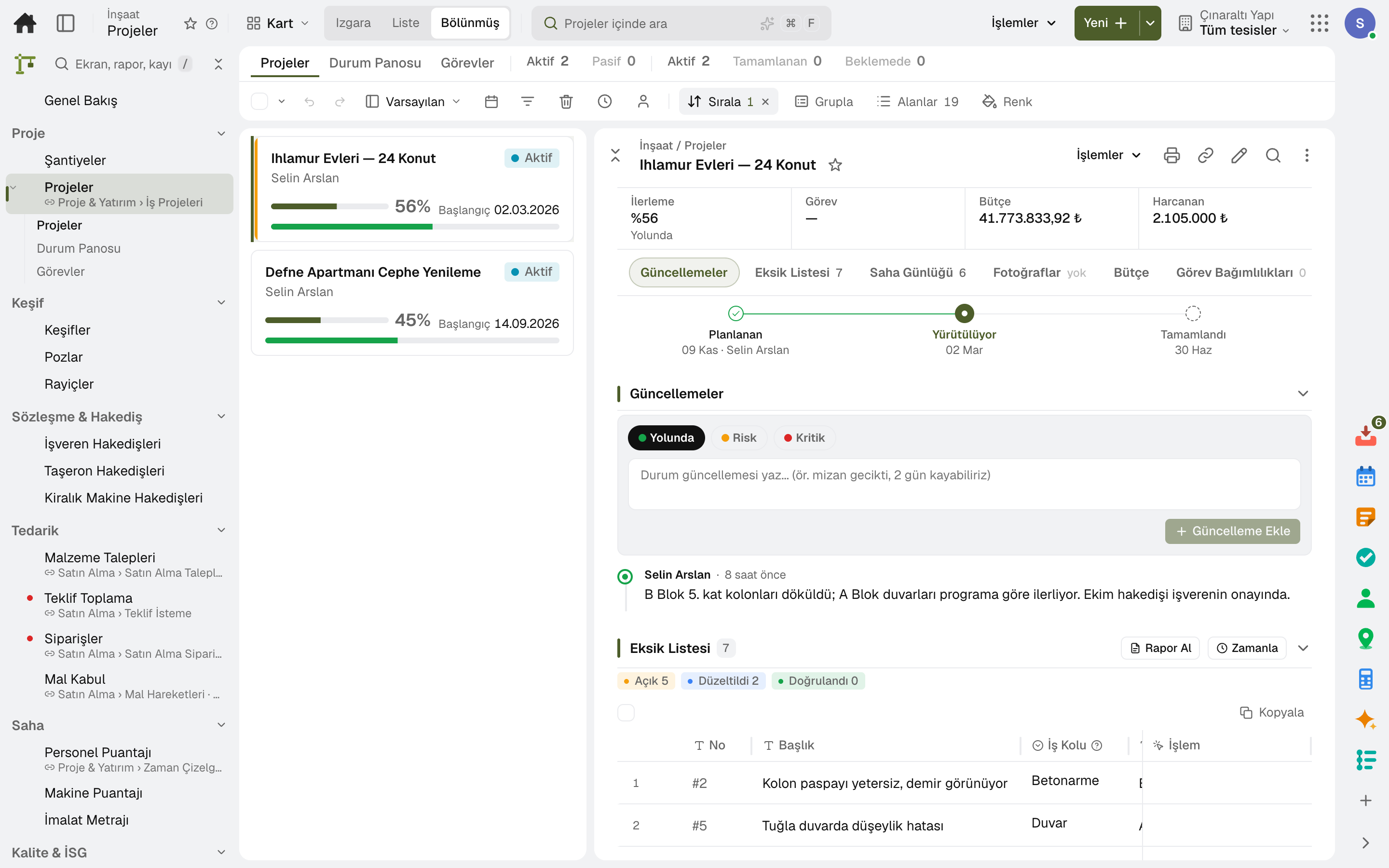
For contractors, home builders and renovation firms: estimates and unit prices, client and subcontractor progress billing, the project budget, the site diary, production quantities and the punch list. The client follows the work on their own page; accounting, purchasing and inventory share the same data.
No credit card, nothing to install.
Who it's for
The same software, set up for your business: the line of business page describes its own flow.
Highlights
Items come from unit price items or are entered by hand, and the unit price is calculated with overheads and profit; a finalised estimate is transferred to the progress billing contract and the project budget.
Progress billing contracts, price escalation indices and advances; a change order is applied to the contract's value and duration.
The project budget is tracked by type as planned, committed, actual and remaining; the work-in-progress report shows the period end.
At period end, actual, committed and cost-to-complete figures are forecast for each cost type; if the forecast exceeds the contract value, the expected loss is shown.
Material requests, bid collection, orders and goods receipt into the site's store; a site is opened in one step, like a new branch.
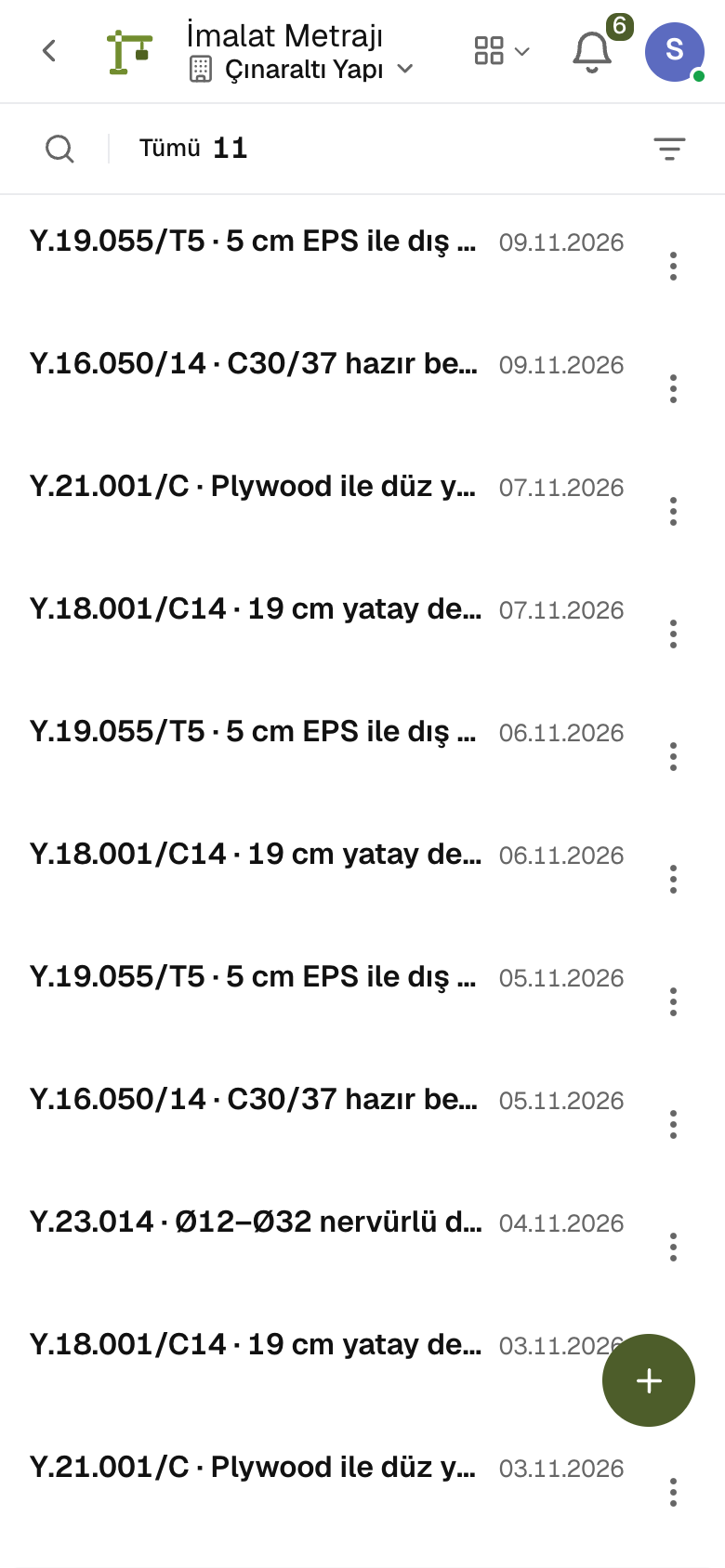
Equipment timesheets post hours and rate to the project's cost; equipment rental billings, work quantity take-off, personnel timesheets and requests for information are in the same project.
Pre-handover snags and defects sit in one list with due date, location and responsible company; the site marks them fixed, someone else verifies, and items within the warranty period are flagged.
On the «My Project» page the client sees the work schedule, the shared site diary and the progress billings, and puts questions to the project team.
Subcontractor pre-qualification and mandatory documents are tracked; a worker who does not meet the requirements is not admitted to site, and those inside form the evacuation list. Site inspections, hazardous work permits and incident records are in the same project.
A day
Every step works on the same data: a record entered in one step is never keyed in again in the next.
The day's work, headcount and weather are recorded; a day shared with the client appears on their page.
The day's production is entered against the estimate line, and the crew's and machines' hours against the project; the site manager approves.
A punch item is opened with its location and owner; someone else with authority verifies the fix.
A material request becomes an order, and the order becomes a goods receipt at the site warehouse.
The period's production goes into the progress bill and is sent to the client; the approved bill is invoiced and posted to the books.
Frequently asked
Yes. Subcontractor progress billing runs from its contract; an approved progress bill is posted to accounting and to the project's cost, and advances are tracked separately.
The site manager role sees the project, the budget and the field; it enters the daily log, timesheets, material requests and goods receipts. Approval and posting stay with the project manager.
No. Progress bills are issued from the contract; the invoice, VAT, retention, withholding and advance deduction are posted to accounting in the same account.
No. A finalized estimate is carried into the client contract and the project budget; items and quantities are not entered again.
The client sees the work schedule, diaries, progress bills and punch items you share. Budget, cost and internal notes stay hidden.
Yes. You can take your data out at any time via Excel, CSV or the API.
Free for 15 days
Every app is open for 15 days. No credit card, no installation; your team signs in from the browser.
Try it free for 15 days; no credit card needed. We reply to your questions within one business day.