Quantity and capacity
Items such as chairs or tents are hired by quantity; on saving, the item's capacity for that period is measured, and a rental that does not fit is not saved.
For companies that hire out plant, equipment and event supplies: items hired by quantity and the availability calendar, bundles, pricing rules, web booking page, pick-up and return, deposit and invoice. Each rental unit is a maintenance record; the meter is kept in hours.
Other lines of business: Vehicle rental
Equipment and event hire
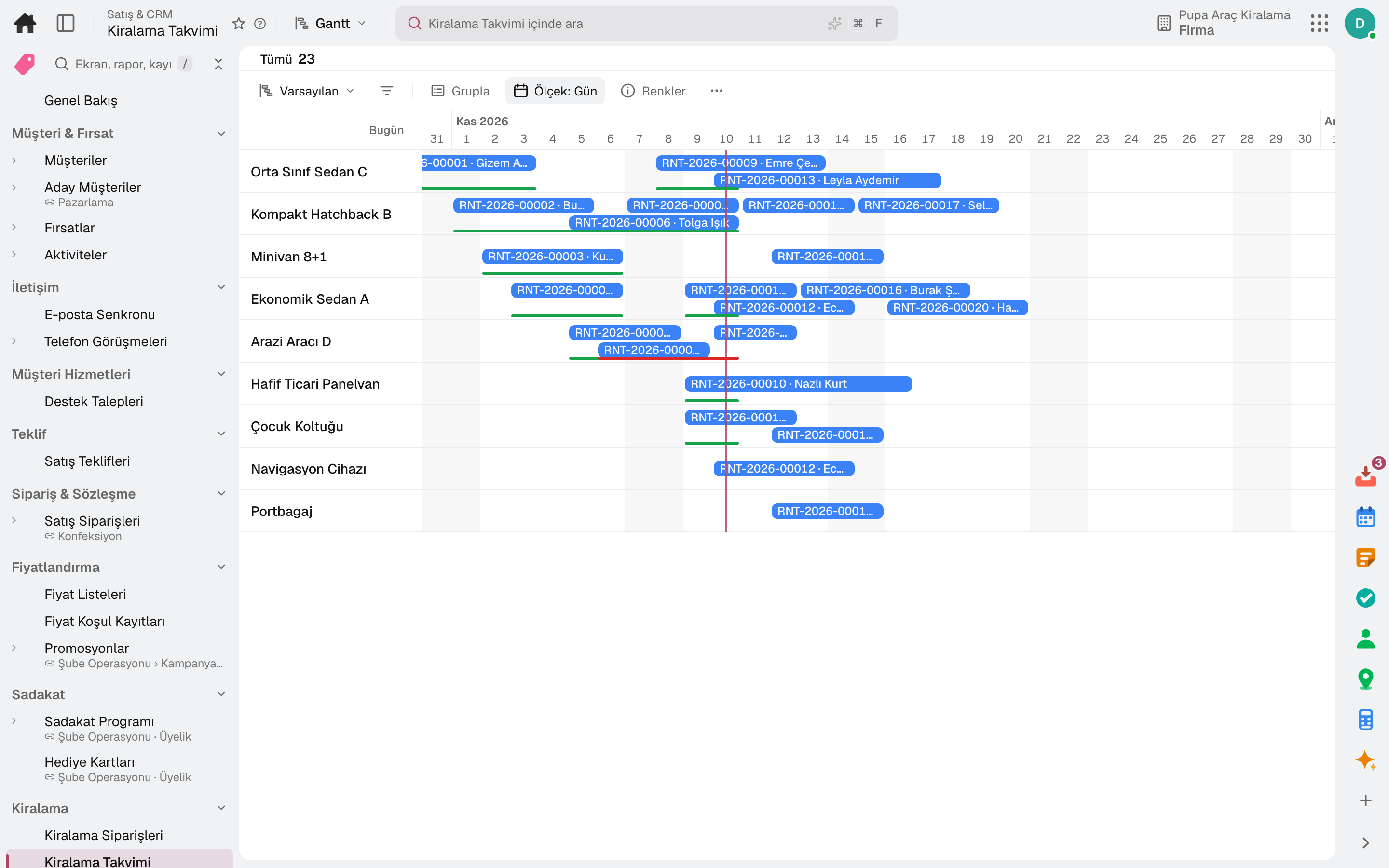
Items such as chairs or tents are hired by quantity; on saving, the item's capacity for that period is measured, and a rental that does not fit is not saved.
Items hired together become a bundle: «Add Bundle» expands each item into its own line, and the bundle discount is applied to those lines.
An item sub-hired from someone else is added to capacity as temporary stock.
A percentage difference in season and on selected weekdays, tiered discounts for long rentals, minimum and maximum rental length; a rule can be set per product, branch and channel.
On your rental page the customer picks branch, time and item; a bundle sold on the web is shown as a card, and its free quantity is calculated from the scarcest item.
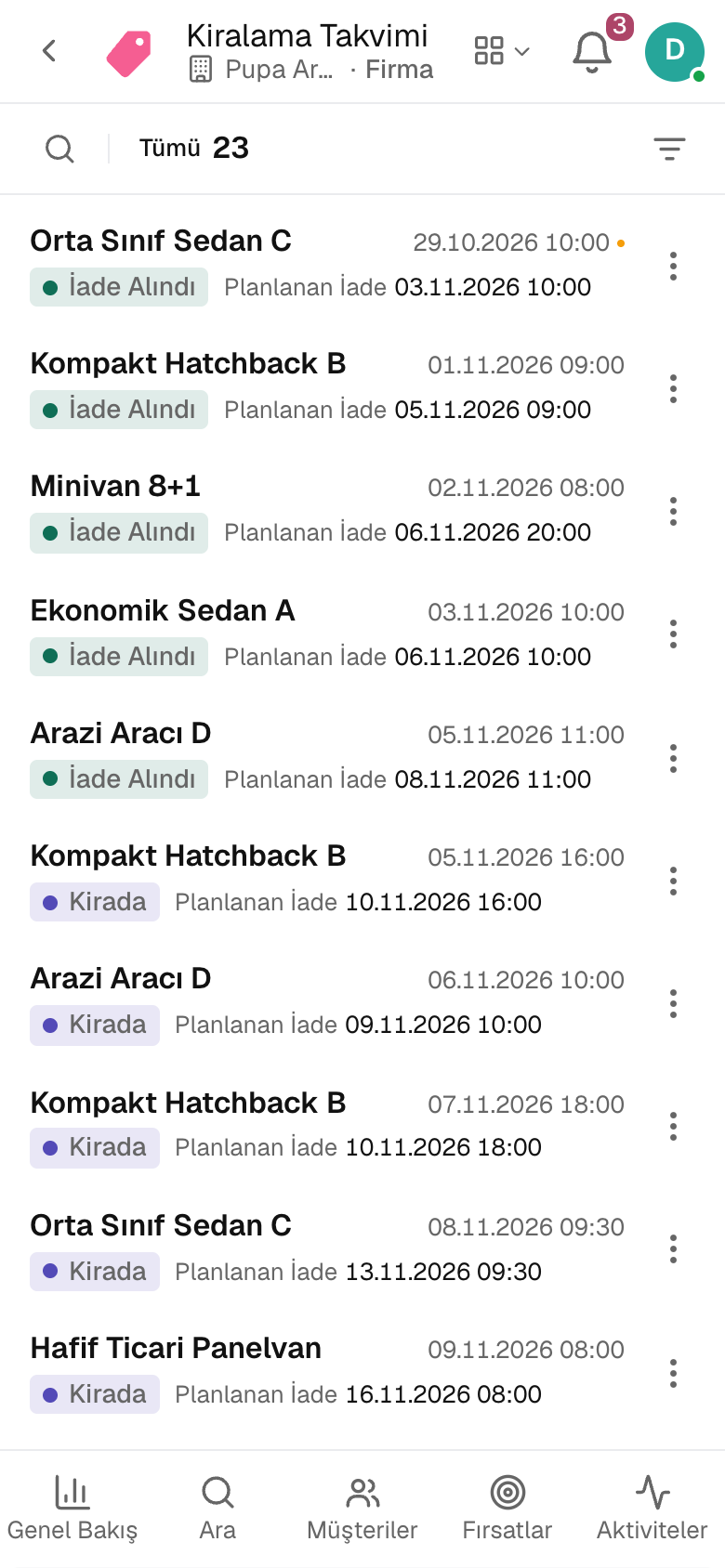
At pick-up the parts, meter and deposit are recorded; at return, lateness and damage are calculated and the invoice and deposit refund are produced.
A day
The strip counts today's pick-ups, returns and overdue rentals; the calendar shows which vehicles are free.
Driver and licence are checked; mileage, fuel, photos and signature go on the report, the deposit into the cash account.
The pick-up lands in the official notification queue; once entered in KABİS it is marked Notified.
Tolls and fines are matched to the rental by plate and time and recharged to the renter.
Excess mileage, fuel difference, late return and damage are calculated; the invoice is issued and the rest of the deposit refunded.
Frequently asked
Yes. Both use the same Rental Orders flow; the driver requirement and official rental notification apply to vehicles only.
A bundle's free quantity is calculated from the scarcest item; a rental that does not fit capacity is not saved.
Try it free for 15 days; no credit card needed. We reply to your questions within one business day.