Barcode till
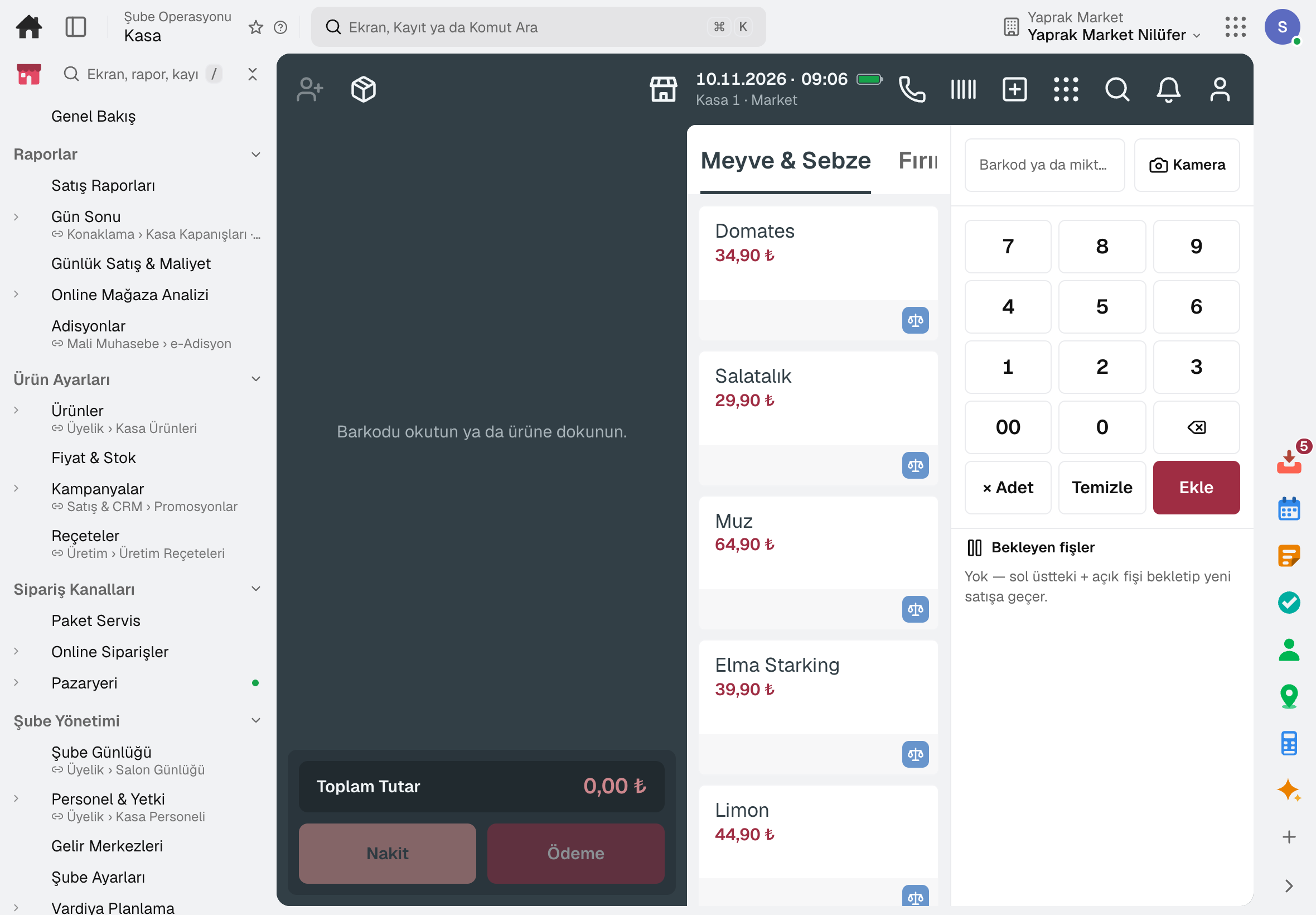
The till works in scan, list, pay mode; scanning a case sells the units inside, scanning a scale barcode sells the weighed quantity.
For grocery chains: barcode till and Price Checker, store-specific prices and shelf labels, assortment by branch cluster, distribution from the central warehouse, expiry markdowns, promotions and end of day. Sales come off branch stock and the Z report is posted to accounting.
Other lines of business: Store chain · Store that sells online
Grocery chain
The till works in scan, list, pay mode; scanning a case sells the units inside, scanning a scale barcode sells the weighed quantity.
The customer scans the product on a tablet in the aisle; its name and the price the till will charge are shown in large type.
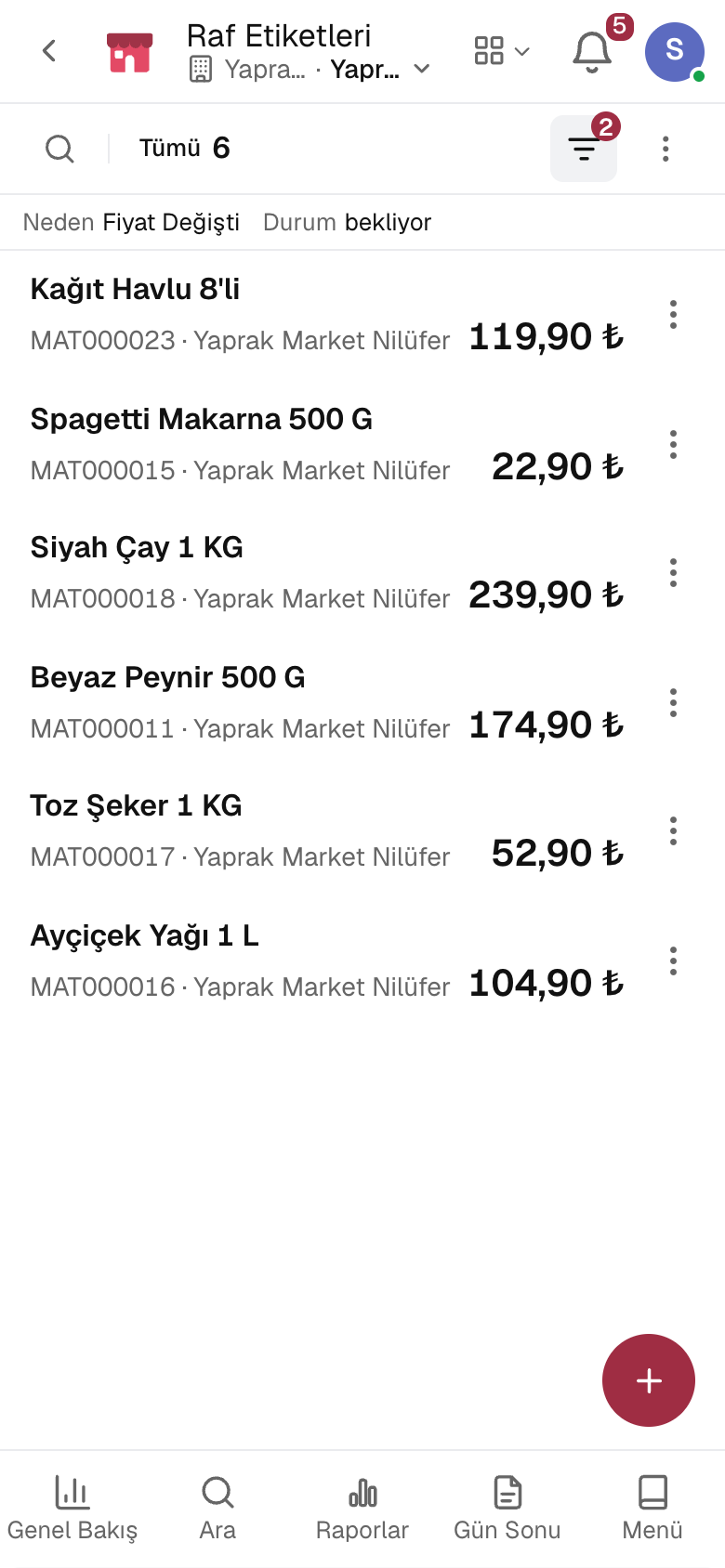
When a price changes, a label request with the old and new price drops to each branch whose shelf changes; printed labels are marked in bulk.
Goods in the central warehouse are split across branches equally, by sales history or by stock gap; releasing opens the transfers.
The markdown for a product nearing its date is set by the days remaining; spoiled product is deducted from stock as waste.
The till does not sell alcohol between 22:00 and 06:00 and shows an age 18 warning.
A day
Head office changes a price; label requests drop to the stores whose shelf changes.
The store prints the labels in its queue and marks them in bulk.
Goods in the central warehouse are allocated to stores by rule; releasing opens the transfers.
The cashier scans, promotions apply automatically, payment is taken.
The till is counted and the difference is recorded; the Z receipt is posted to accounting.
The day's sales are shown by product, aisle, hour and payment type.
Frequently asked
The till reads the branch price: the branch-specific price if there is one, otherwise the general price. Shelf labels and Price Checker show the same figure.
Yes. The barcode printed by a label scale is scanned at the till; the scale's product list is exported from the software.
Try it free for 15 days; no credit card needed. We reply to your questions within one business day.