Assortment
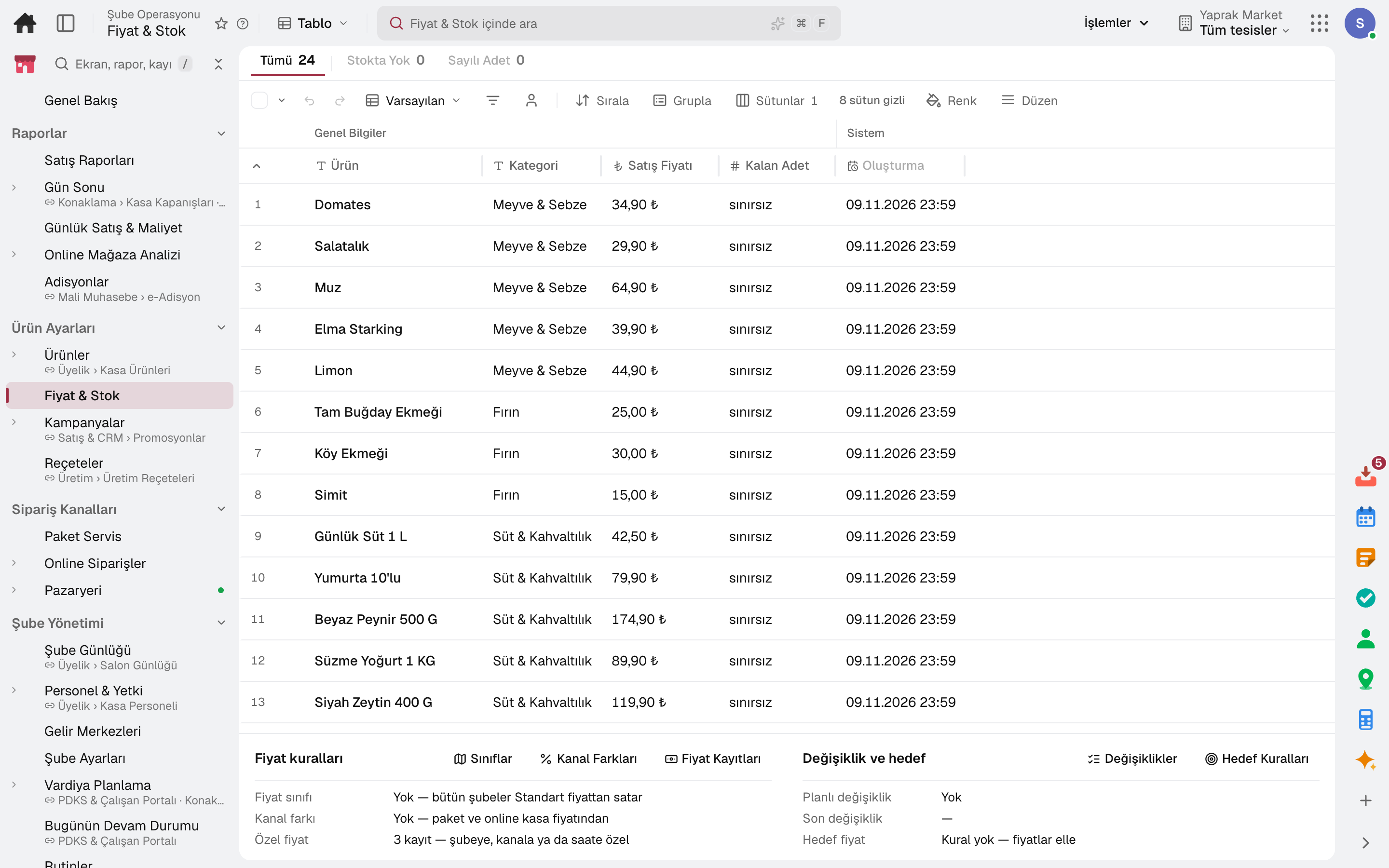
Store clusters decide which product is sold in which store; the listing opens and closes with the season.
For grocery and retail chains with several stores: assortment by branch cluster, store-specific prices and shelf labels, distribution from head office to stores, barcode till and Price Checker, promotions and loyalty, end of day and sales reports. Stock, purchasing and accounting on the same data.
No credit card, nothing to install.
Who it's for
The same software, set up for your chain: each line of business has a page describing its own flow.
From barcode to shelf, from central warehouse to till: every branch in one plan.
Grocery chain softwareWhich product in which store, on which shelf: assortment and distribution in one plan.
Store chain softwareThe best-placed store prepares the online order; stock and price in one record.
Software for stores that sell onlineHighlights
Store clusters decide which product is sold in which store; the listing opens and closes with the season.
When a price changes, the shelf labels to be reprinted join a queue; the planogram defines which shelf each product sits on and how many facings it gets.
Store Allocation plans distribution from head office; Bulk Branch Replenishment plans supply from the central warehouse to the branches in one run, and the store places its branch order from the storefront.
Till, gift cards, loyalty programme and promotion engine on the same customer record.
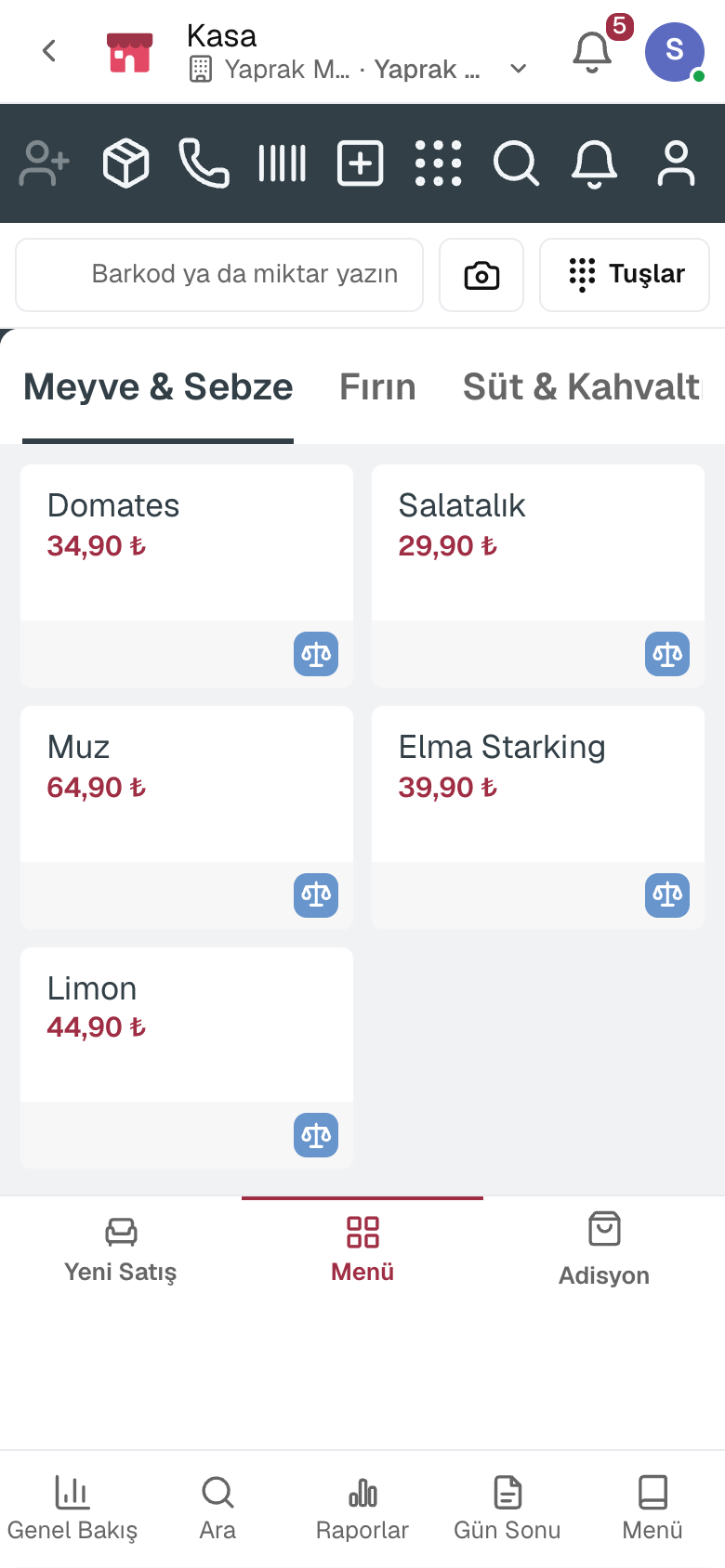
The customer scans the product on a tablet in the aisle and sees its name and the price the till will charge.
The markdown for a product nearing its expiry date is set by the days remaining; an approved suggestion is applied at the till only to the quantity at risk of spoiling.
The Order Orchestration screen routes the e-commerce order to the store that will prepare it.
The online store's conversion funnel, sales, average basket and best-selling products are tracked period by period.
Sales are deducted from stock and replenishment proposals go to purchasing; every store's stock is visible in real time.
A day
Every step works on the same data: a record entered in one step is never keyed in again in the next.
Head office changes a price; label requests drop to the stores whose shelf changes.
The store prints the labels in its queue and marks them in bulk.
Goods in the central warehouse are allocated to stores by rule; releasing opens the transfers.
The cashier scans, promotions apply automatically, payment is taken.
The till is counted and the difference is recorded; the Z receipt is posted to accounting.
The day's sales are shown by product, aisle, hour and payment type.
As you grow
A single-till shop starts with POS; when you open a second store you continue with Retail on the same account, with products and past sales in place. Accounting, stock and purchasing share the same data.
Point of sale software — for single-till shops, grocery stores and cafés.
3 modules in the packageApparel manufacturing and retail software — for garment manufacturers, ready-to-wear brands and clothing stores.
5 modules in the packageRegister, tables, branch orders and shelves on one branch screen.
10 sub-modulesInventory and warehouse management software
Every product's location, batch and movement at your fingertips.
9 sub-modulesSales and customer management software
One customer record from opportunity to invoice.
16 sub-modulesPurchasing software
From requisition to invoice, every purchase approved and traceable.
10 sub-modulesAccounting software
In the journal the moment the invoice is issued; no waiting for month end.
13 sub-modulesFrequently asked
Yes. The Order Orchestration screen routes the order to the branch that will prepare it; delivery is from the store or by courier.
The Franchise add-on brings the dealer network onto the same data; stores run from the same branch screen.
Yes. A product's price in one store is kept apart from the general price; a price class sets a rule for a group of stores. The till, shelf labels and Price Checker use the same figure.
The Shelf Labels queue lists for each store only the products whose shelf price changed, with old and new price; printed labels are marked in bulk.
Store Allocation splits the total quantity across stores by rule; releasing opens a stock transfer order for each store.
The phone or tablet camera scans the barcode.
Yes. You can take your data out at any time via Excel, CSV or the API.
Free for 15 days
Every app is open for 15 days. No credit card, no installation; your team signs in from the browser.
Try it free for 15 days; no credit card needed. We reply to your questions within one business day.