Branch clusters
Stores are clustered by size, region or customer profile; a product set is listed to the cluster in one go.
For store chains: assortment with branch clusters and seasons, planograms and shelf audits, distribution from head office to stores, returns and exchanges with another store's receipt, gift receipts, promotions and loyalty.
Other lines of business: Grocery chain · Store that sells online
Store chain
Stores are clustered by size, region or customer profile; a product set is listed to the cluster in one go.
Listings open and close from the season dates; the end-of-season markdown applies only in stores where the product is seasonal.
Define which shelf a product sits on and with how many facings; a non-compliant shelf drops to the store as a task.
Customers can bring a product to any store; returns and exchanges work with another store's receipt and the item goes back to stock.
A gift receipt without prices is printed; the recipient exchanges or returns using the number on it.
A sales associate, separate from the cashier, is chosen on the receipt; the commission goes to the associate.
A day
Head office changes a price; label requests drop to the stores whose shelf changes.
The store prints the labels in its queue and marks them in bulk.
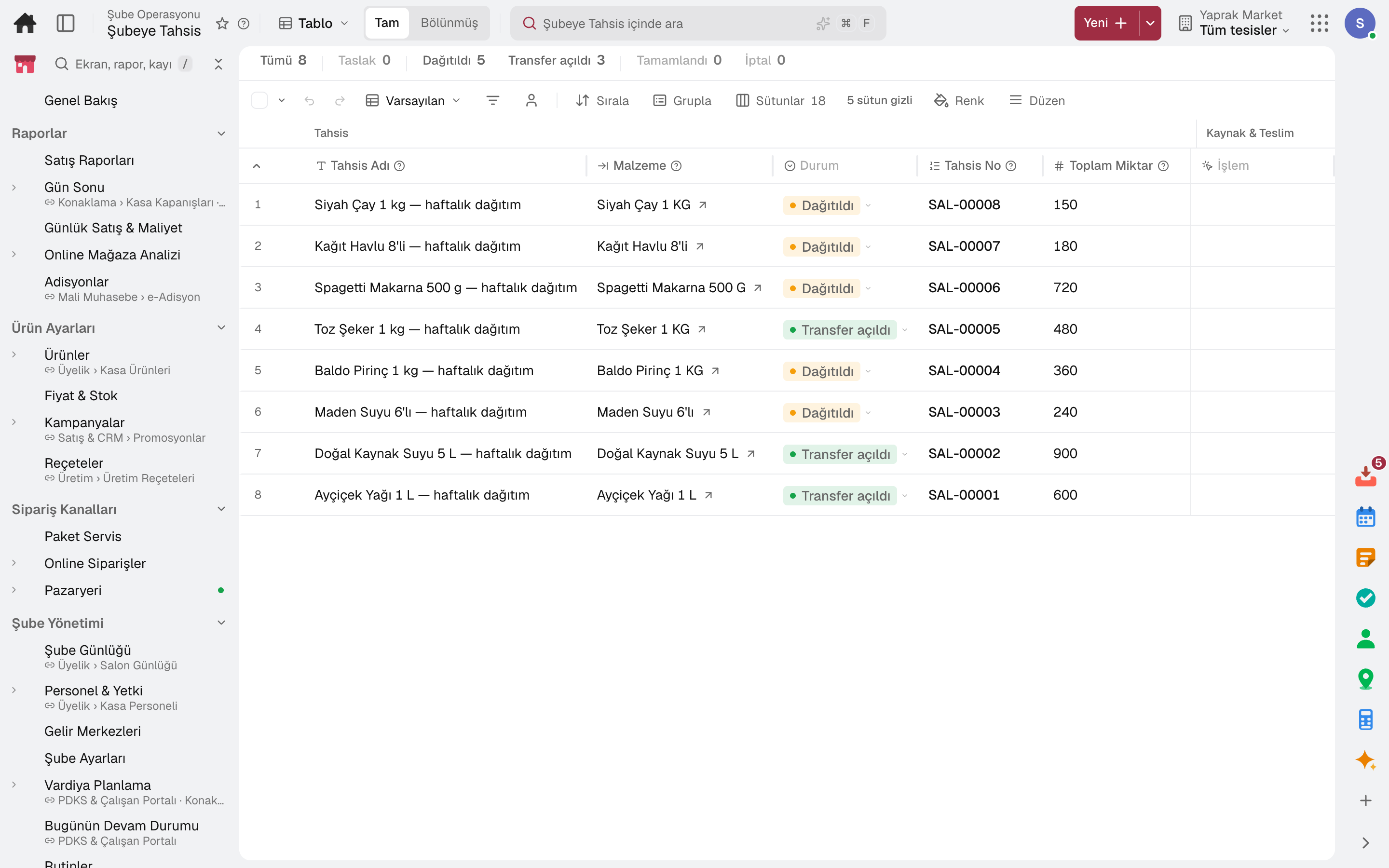
Goods in the central warehouse are allocated to stores by rule; releasing opens the transfers.
The cashier scans, promotions apply automatically, payment is taken.
The till is counted and the difference is recorded; the Z receipt is posted to accounting.
The day's sales are shown by product, aisle, hour and payment type.
Frequently asked
Put your large stores in one cluster and list the product only to that cluster; it will not reach the tills or shelves of the other stores.
Colour and size runs, broken sizes and prepacks are in the Fashion package; they work together on the same account.
Try it free for 15 days; no credit card needed. We reply to your questions within one business day.