Tap, add, take payment
The cashier adds items by tapping the menu, takes payment and closes the check; the bill can be split.
The starter package for single-till shops, grocery stores and cafés. The till runs on a tablet and in the browser; products, prices and stock, cashier permissions, kitchen display, Price Checker, end of day and reports come ready. When you open a branch, you continue in the same account with Retail or Restaurant.
01 / 06
The cashier taps the product or scans the barcode, takes payment and closes the check. In a business with tables the till opens from the table plan; in a counter-service business it opens in Takeaway.
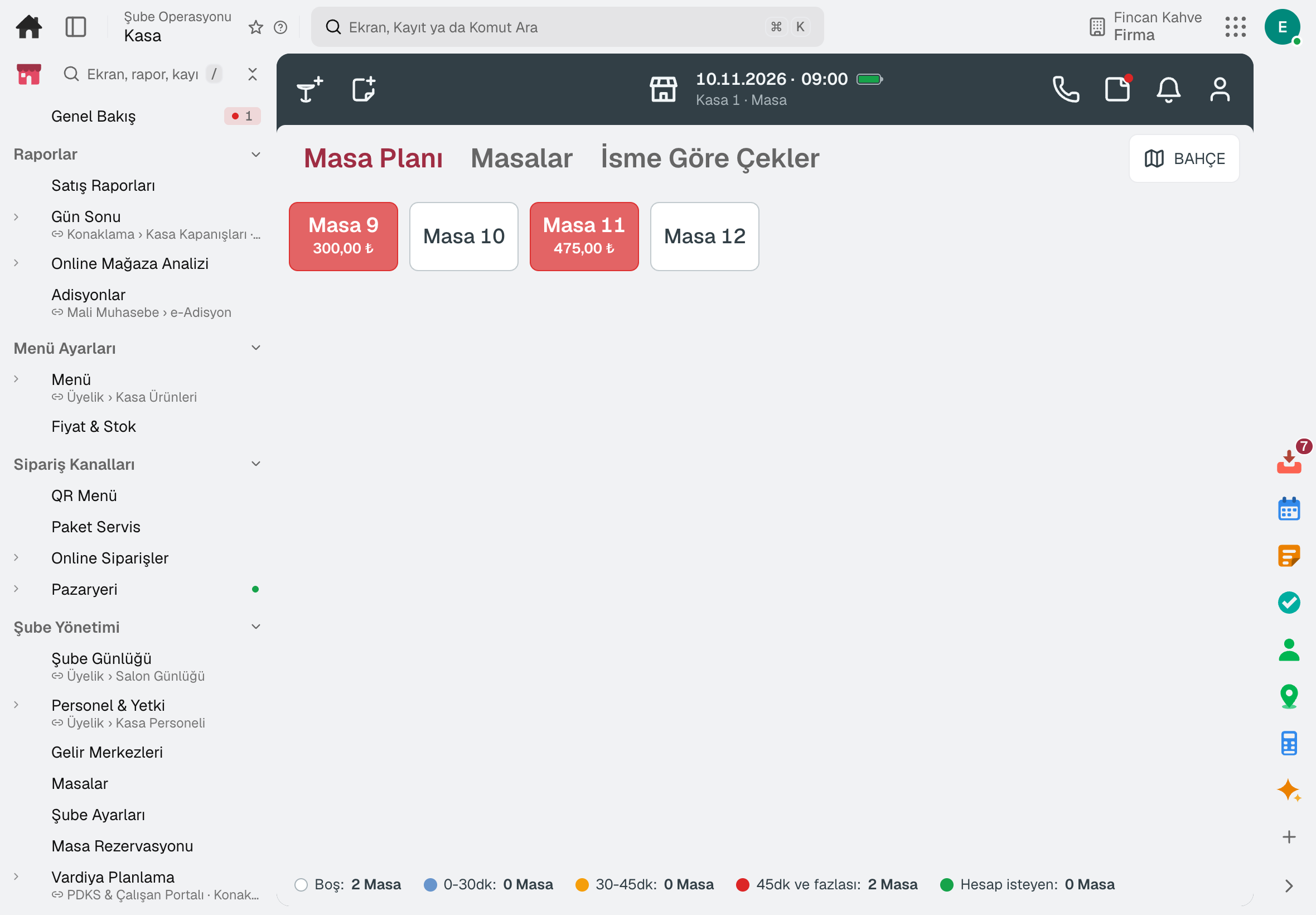
The cashier adds items by tapping the menu, takes payment and closes the check; the bill can be split.
The product is scanned and lands on the check; without a barcode scanner, the phone or tablet camera scans it.
An unregistered product is defined at the till: the cashier enters the price, group and VAT, and the product lands on the check.
In a business without tables the till opens in Takeaway; once payment is taken the item is sent for preparation.
Payment types, the buttons on the check screen and functions are arranged by dragging.
Selling continues: checks, items, payments and discounts are queued on the device and sent when the connection returns.
02 / 06
Products are loaded from one file or come with a ready-made template. Prices change from one list; sales are deducted from stock and a sold-out product closes for sale.
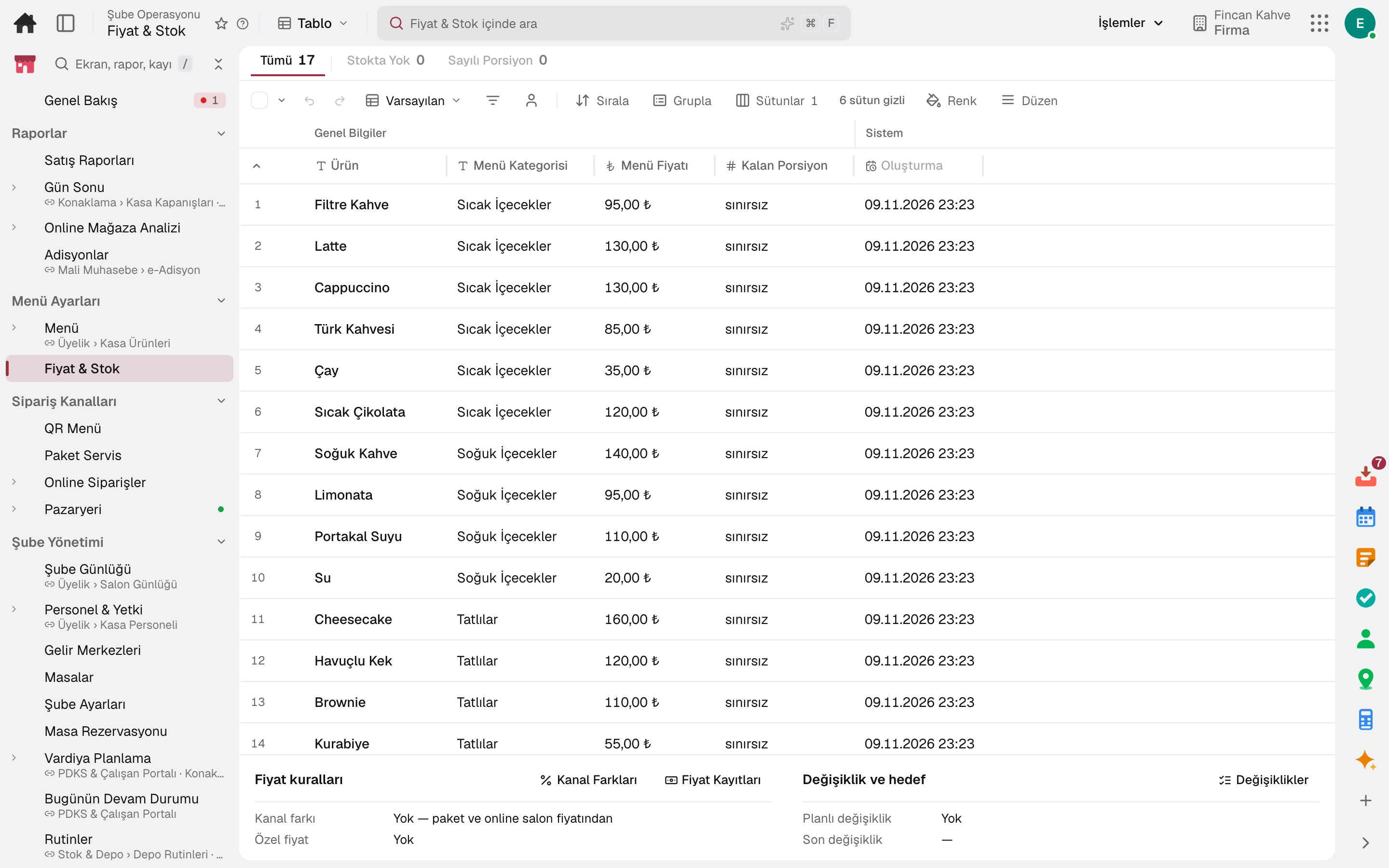
Barcode, name, VAT, unit, department and price are loaded from one file; bulk entry can also be done from Excel.
Ready-made category and department lists for cafés, fast food, patisseries, greengrocers and grocery stores are suggested during setup.
Each product's till price and whether it can be sold today in one list; the price is typed into the cell, and bulk and future-dated changes are possible.
Modifier groups such as size, milk and extras are defined with a minimum and maximum selection; the price difference shows on the check.
Sales are deducted from stock; when a counted portion reaches zero the product closes for sale by itself.
Till promotions and single-use coupon codes are defined and applied at the till.
03 / 06
Every employee signs in with their own PIN. What they can do at the till comes from the permission group; an action without permission needs manager approval and is recorded.
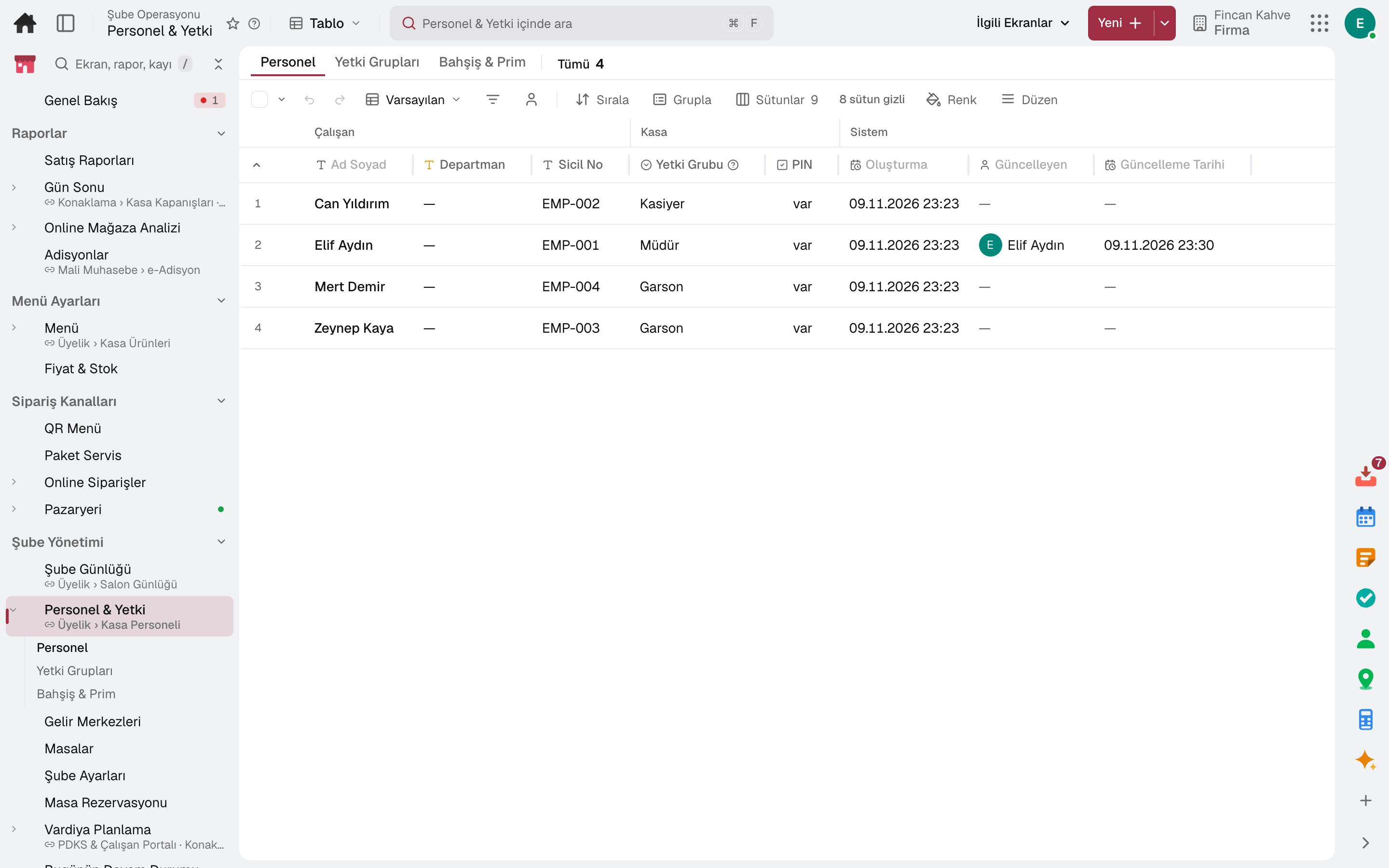
The employee signs in with their own PIN; every sale is recorded under the cashier's name.
Who can do what at the till comes from the permission group; the discount ceiling is set as a percentage and an amount.
An action without permission asks for a manager PIN; voids, complimentary items and refunds are recorded with their reason.
Voids, discounts, complimentary items and refunds appear in one report with their reason and approver.
04 / 06
Items sent from the till land on the kitchen display; customers see prices on the tablet in the aisle and order from the QR code on the table.
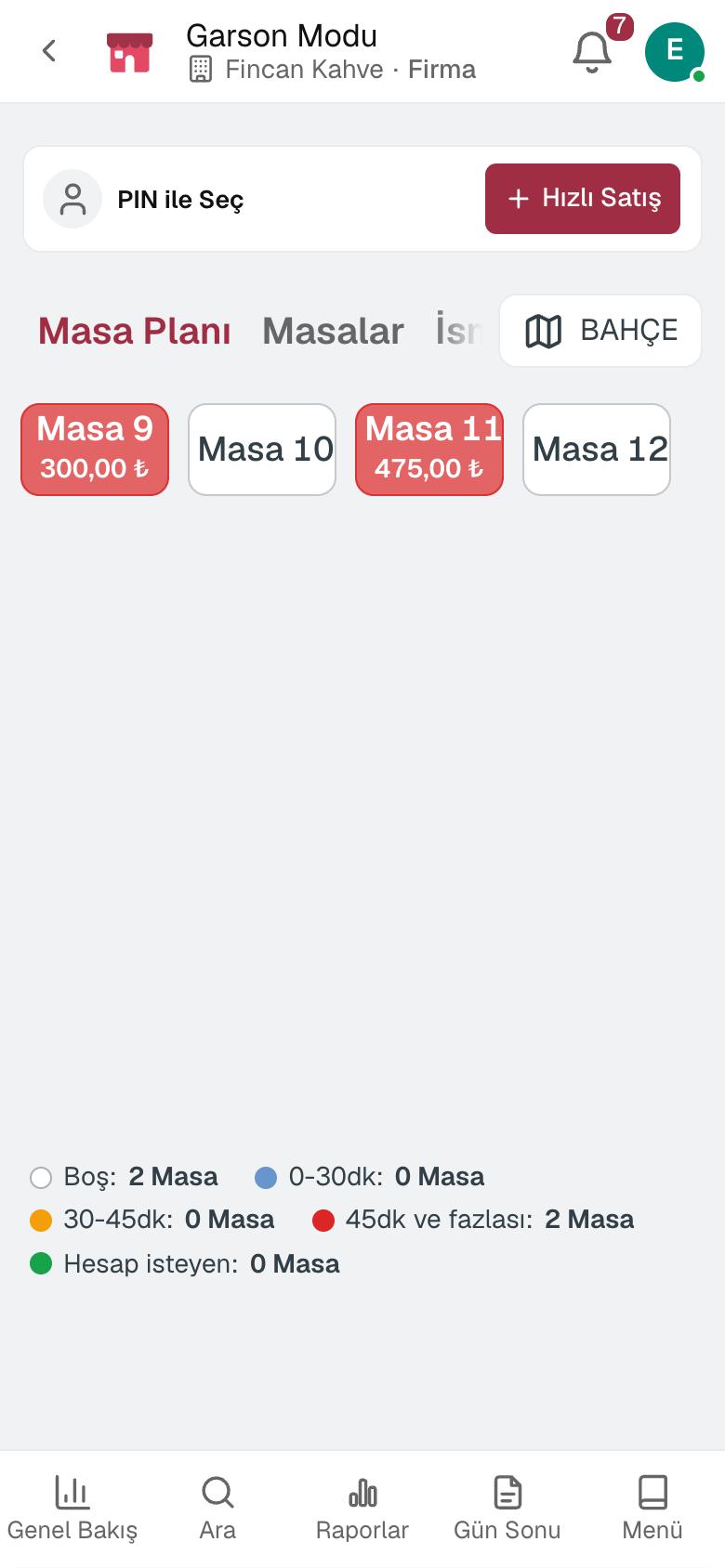
Items sent from the till land on the kitchen display; a tap advances the item and the waiting time warns by colour. It works without a paper printer too.
The waiter picks the table on a phone, adds items to the check and sends them to the kitchen.
The customer scans the product on a tablet in the aisle; its name and the price the till will charge are shown in large type.
Guests scan the QR code on the table, see the menu on their phone and order; the order lands at the till for approval.
A customer is opened at the till with name, phone and limit; the sale is charged to the account.
Prepaid gift cards are sold and topped up at the till; balance movements are tracked in a ledger.
05 / 06
The till is counted, the difference is recorded and the Z receipt is posted to accounting. The day's sales by product, hour and payment type are on the same screen.
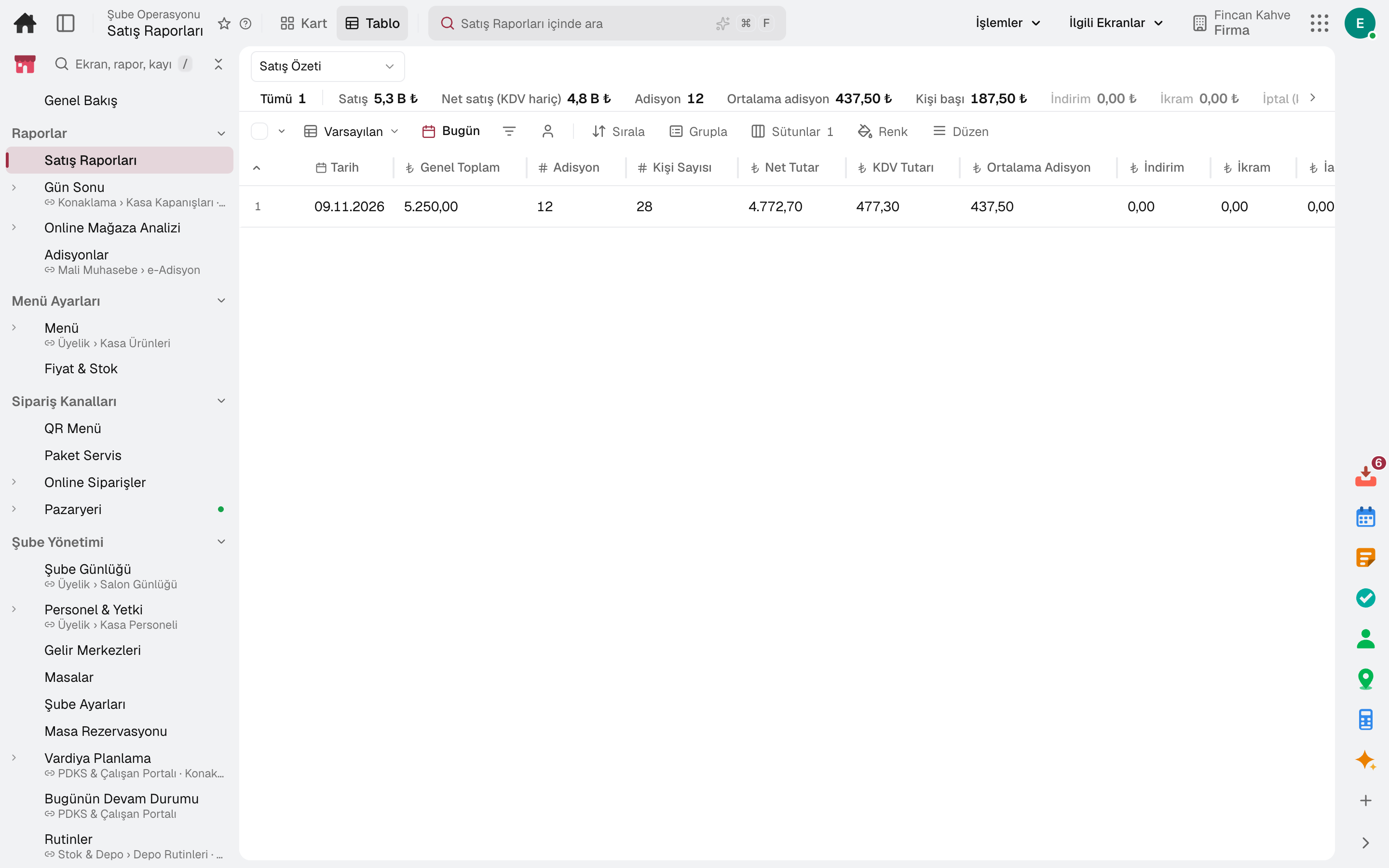
The till opens with the opening cash and closes with sales, collections and the count difference. Expenses, cash-ins and tip payouts are recorded as till movements.
The Z receipt is posted to the selected cash account and to accounting.
Day summary, product and category, hourly sales, payment type and VAT breakdown on the same screen.
Hourly sales appear on a heat map by day of the week; the period is compared with the previous equal period.
06 / 06
The tablet, phone and computer you already have are enough. A device is linked to your account once; no password stays on the device.
Till, kitchen and waiter screens open on a tablet, a phone and in the browser; a device is linked once with an authorised sign-in or QR approval.
A product group is routed to the kitchen or bar printer; a backup printer can be defined.
The receipt template and logo can be set.
A device that goes offline and a receipt that fails to print raise an alert.
In the package
All on the same data model: a record entered in one module is never re-entered in another. The other 21 modules are open in your account too.
Register, tables, branch orders and shelves on one branch screen.
10 sub-modulesInventory and warehouse management software
Every product's location, batch and movement at your fingertips.
9 sub-modulesAccounting software
In the journal the moment the invoice is issued; no waiting for month end.
13 sub-modulesTry it free for 15 days; no credit card needed. We reply to your questions within one business day.