Export flow
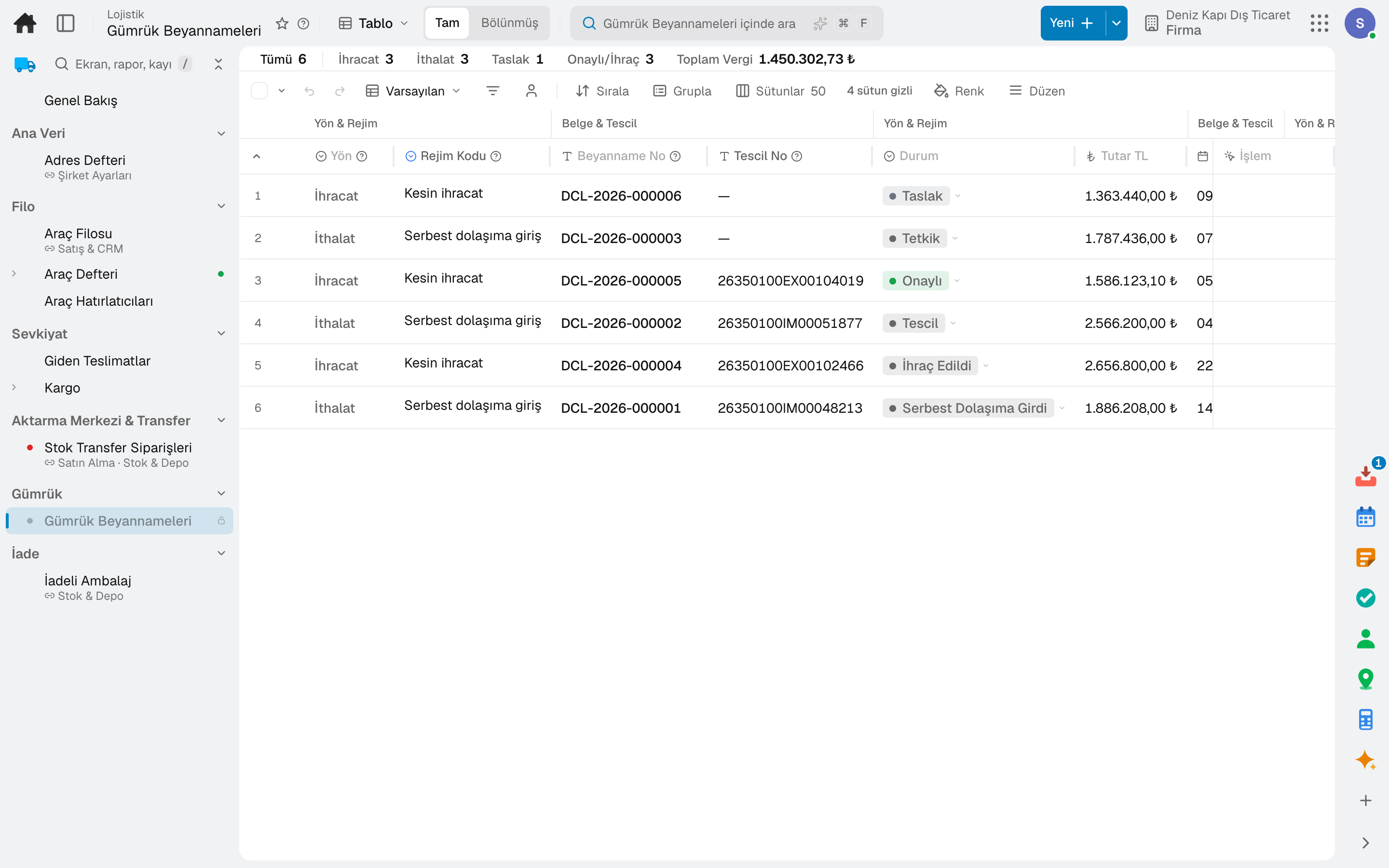
An order from a customer abroad is created without VAT; the declaration and the CMR are opened from the delivery's card, registered at customs, and the export closes once the goods leave.
For wholesalers and manufacturers that import and export. Declarations are prepared linked to the order and delivery, duties are calculated from the HS code in the official tariff, and licence quotas are drawn down by declarations; business partners are screened against sanctions lists, and letters of credit and guarantees are tracked against the bank's limit. Declarations are prepared in the product and are not sent to the customs authority.
No credit card, nothing to install.
Who it's for
The same software works both ways: the import and export pages each describe their own flow.
Highlights
An order from a customer abroad is created without VAT; the declaration and the CMR are opened from the delivery's card, registered at customs, and the export closes once the goods leave.
A foreign-currency order is placed with the supplier abroad; the import declaration is opened against the order, and the goods are received under the same bill of lading number.
HS codes and their rates are kept in the tariff hierarchy; the declaration's duty is calculated from the HS code, which is entered on the product once.
Customs duty is posted to the ledger at registration and passed on to the goods' stock cost.
Import and export licences and permits; EORI, customs broker and free trade agreements; business partners are screened against sanctions lists and country embargoes.
The trip's customs status is tracked; letters of credit are followed with their amendments, document presentations and charges, and letters of guarantee with their commission periods.
A day
Every step works on the same data: a record entered in one step is never keyed in again in the next.
A foreign-currency order is placed with the overseas supplier; if payment is by letter of credit, the letter of credit is opened.
The import declaration opens linked to the order, the export declaration from the delivery; duties are calculated from the HS code.
The registration number issued by customs is entered; the licence quota is drawn down and the customs duty is posted to the ledger.
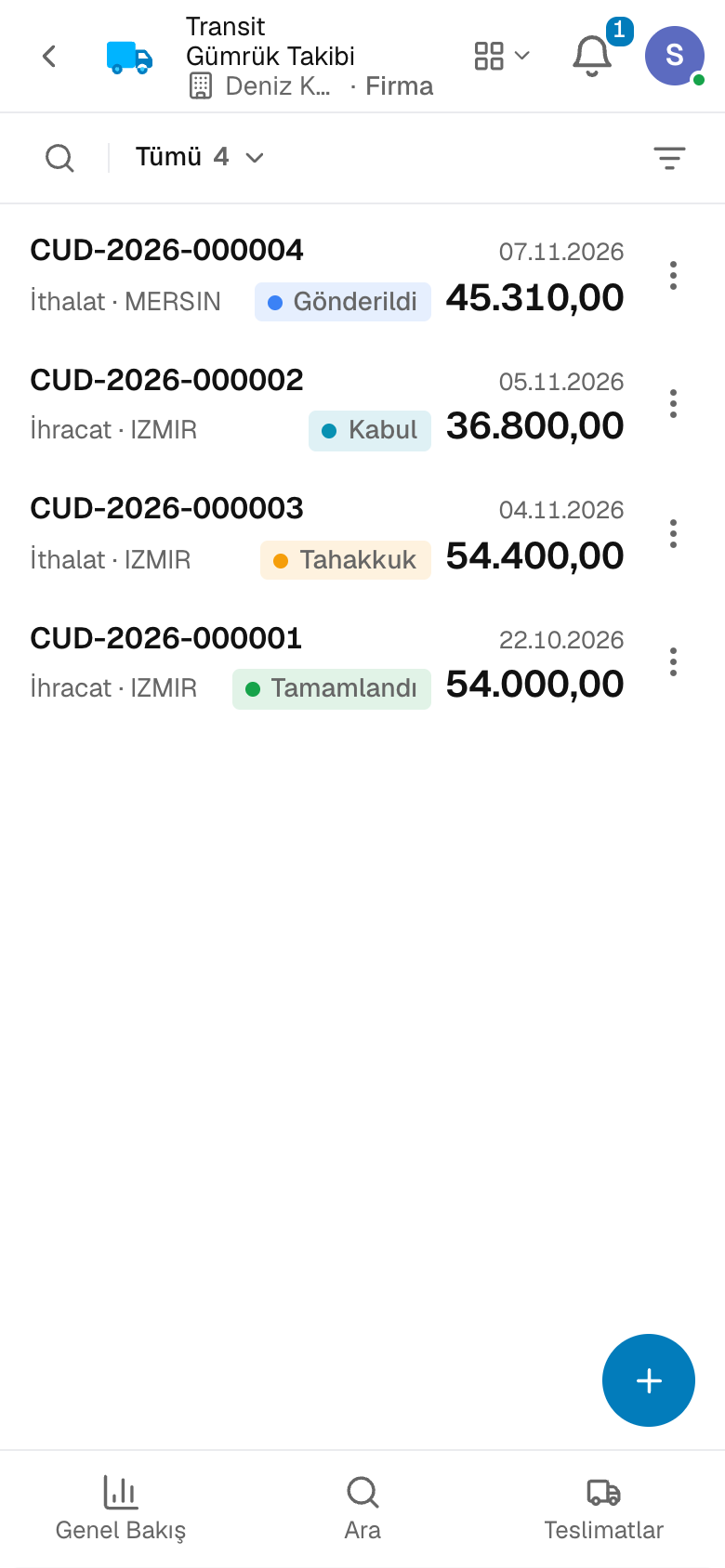
The shipment's customs status is followed in transit tracking.
Goods are received under the same bill of lading number and the customs duty is added to inventory cost; for exports the declaration closes once the goods leave.
As you grow
Orders, deliveries, inventory, invoices and accounting share the same data: declarations link to orders, duties to inventory cost and letters of credit to the bank's limit. For your own fleet and carriers, continue with Logistics.
Transport and warehouse management software — for haulage, distribution and warehousing service companies.
4 modules in the packageYour own fleet and your carriers in one control tower.
11 sub-modulesPurchasing software
From requisition to invoice, every purchase approved and traceable.
10 sub-modulesSales and customer management software
One customer record from opportunity to invoice.
16 sub-modulesCash and finance management software
See your cash today, and next week from today.
6 sub-modulesAccounting software
In the journal the moment the invoice is issued; no waiting for month end.
13 sub-modulesFrequently asked
No. The declaration is prepared in the product and the registration details are entered on the record; there is no direct submission to the customs authority's system.
Import VAT is paid at customs, not on the invoice: the order and the invoice arrive without VAT, and customs duty is posted to the ledger at registration.
No. The official tariff schedule comes preloaded; you pick the code and enter only your company's duty rate.
The broker is set up with the offices they serve, and declarations are prepared with the broker selected; the registration number is entered once customs issues it.
No. The letter of credit is opened through the bank's online banking; here you track its terms, amendments, document presentations and charges.
Yes. You can take your data out at any time via Excel, CSV or the API.
Free for 15 days
Every app is open for 15 days. No credit card, no installation; your team signs in from the browser.
Try it free for 15 days; no credit card needed. We reply to your questions within one business day.