Investment programmes
Investment programmes with budget and position hierarchies; budget-versus-actual matrix, ROI.
From investment budget to branch opening, every project in one place.
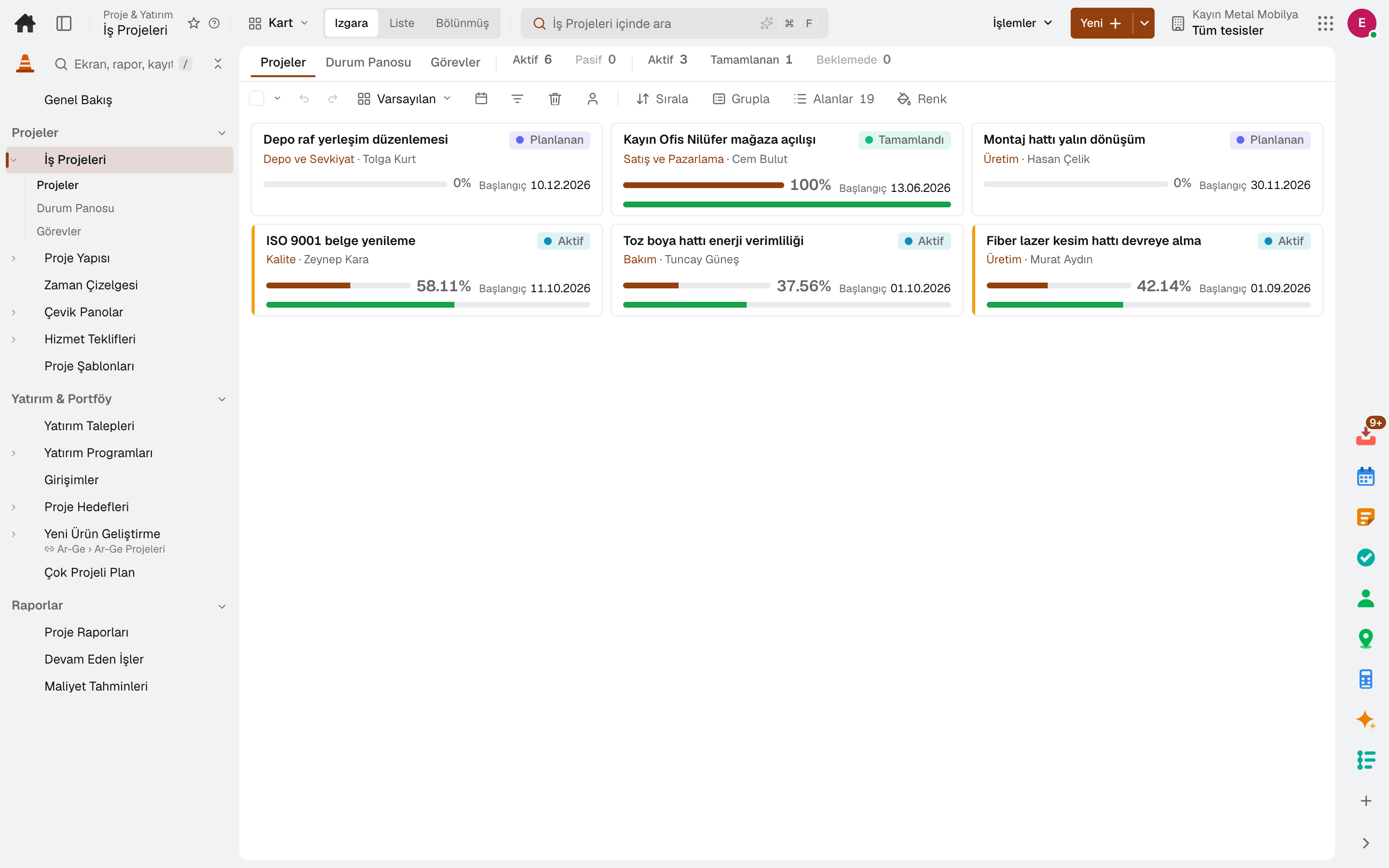
Investment programmes and requests, business projects, work breakdown structures and milestones, time tracking and project reports in one app. Recurring projects such as branch openings are created from a template in one step.
Industry packages: Lidyos Build
Industries: Services and project businesses · Construction and contracting
Roles: Project manager · Site manager
What is it, and why do you need it?
When the investment budget is in finance's spreadsheet, project tasks in a work tracker and expenses in accounting, budget overruns are noticed only after the project ends.
Lidyos Projects brings budget, tasks, spending and time tracking together in the same project. Investment requests go through approval and are linked to a programme; budget and actuals are tracked side by side.
Scope: Manages investment programmes and requests, and projects with work breakdown structures, networks, milestones and time tracking.
Highlights
Investment programmes with budget and position hierarchies; budget-versus-actual matrix, ROI.
Requests are received, routed for approval and linked to an investment programme.
Branch openings and business projects: tasks, budget, site diary, photo feed and change orders.
Work breakdown structure, activity network, milestones and settlement rules.
Time staff spend on projects, strategic initiatives, and project goals with OKRs.
Project templates; progress, cost, efficiency and team workload reports, and pivot analysis.
Service work is priced by phase, role and hours; an accepted quote becomes a project in one click, with its phases as tasks and its roles as budget lines.
Sprints, an ordered backlog and a four-column board; burndown and velocity charts. The work items are the same as the tasks in Projects.
Contract value, actual and committed cost and earned revenue for projects in progress; the period-end forecast shows the expected loss.
Sub-modules
This list is generated from the product itself; it grows as new functions are added to a sub-module. Master data and settings are the shared ground of every module and are not counted as sub-modules.
On the same data
Modules are separate screens, but the data is one: a record entered in one module is never re-entered in another.
In the journal the moment the invoice is issued; no waiting for month end.
From candidate to opening, from revenue declaration to royalties: your franchise network.
From requisition to invoice, every purchase approved and traceable.
From hiring to exit, the employee's whole story on one card.
Frequently asked
Yes. The task pattern is kept as a template; a new project is created from it in one step, and a finished project can be turned into a template.
Expenses tied to a project are moved to cost by settlement rules; budget and actuals appear in the project report.
Yes. The timesheet records the time staff spend on a project; the team workload report is built from those entries.
Try it free for 15 days; no credit card needed. We reply to your questions within one business day.