Cashier and waiterFrom table to register, by touch.
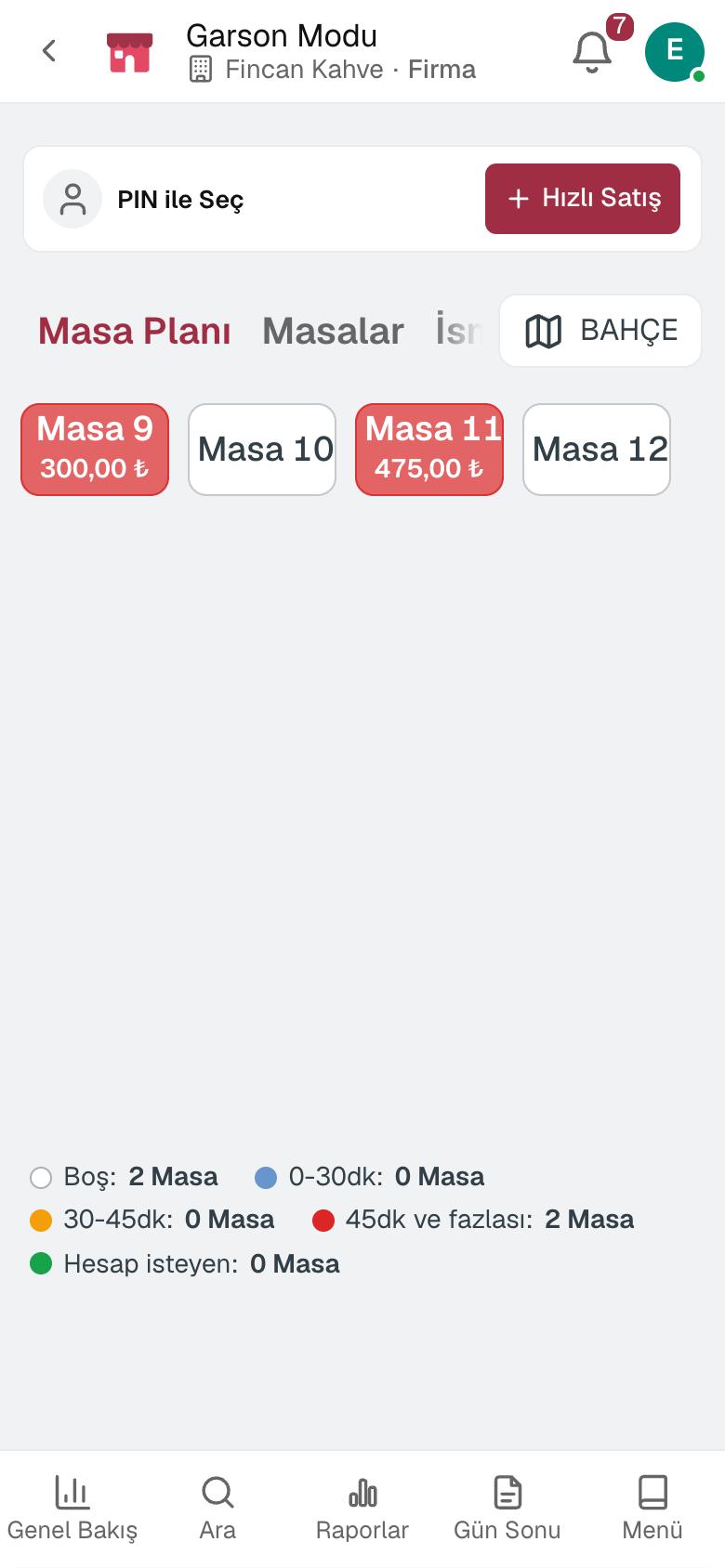
The register screen works from the floor plan; the waiter picks the table on a phone, adds items to the check and sends them to the kitchen. End of day lands in the register reconciliation.
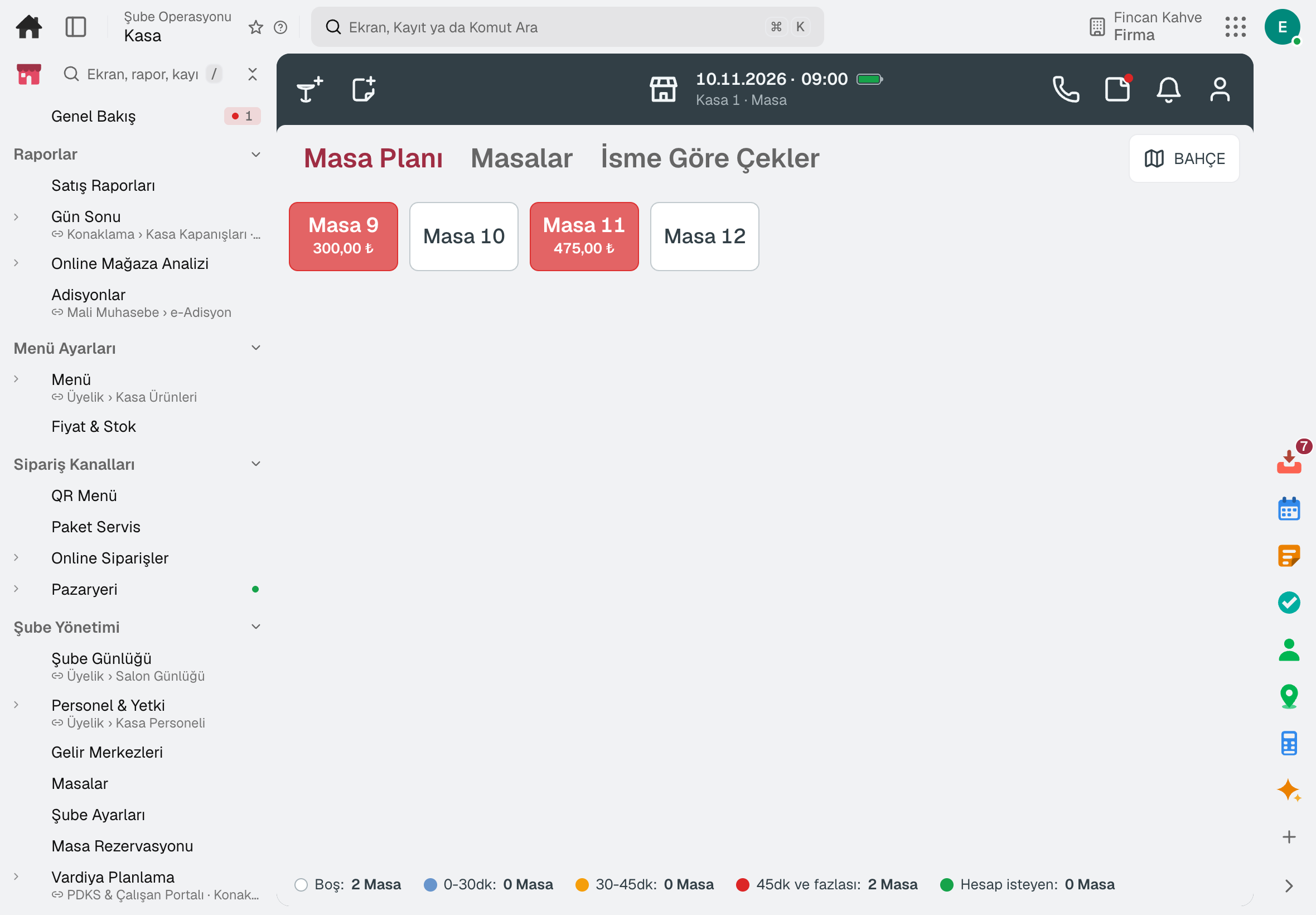
- Register
- Waiter Mode
Through the day
What do cashiers and waiters do on the platform?
Every step is a working feature of the product; click its name to go to the module it describes.
- 01Take the order
The waiter picks the table on a phone, adds items to the check and sends them to the kitchen.
- 02Take payment
At the register, the table is picked from the floor plan, items are added from the menu by touch, payment is taken and the check is closed.
- 03Welcome reservations
Table reservations are kept with party size and time; allergy notes and no-show tracking are on the same record.
- 04See their shifts
Employees see their own shifts on their phone.
Apps
What cashiers and waiters use most
All on the same data model; whatever their role, everyone looks at the same record. The other 22 modules are open in your account too.
Frequently asked
For cashiers and waiters
Do waiters need a separate login?
No. POS staff linked to a Lidyos account are selected without a PIN prompt.
Do we need a separate POS program?
No. The register is part of the platform and runs in the browser; sales are deducted from stock.
Branch and franchise
On the same team
Close next month end without a reconciliation marathon.
Try it free for 15 days; no credit card needed. We reply to your questions within one business day.