Field types
Text, number, date and choice fields; rating and NPS, matrix, file upload, signature, location and voice recording.
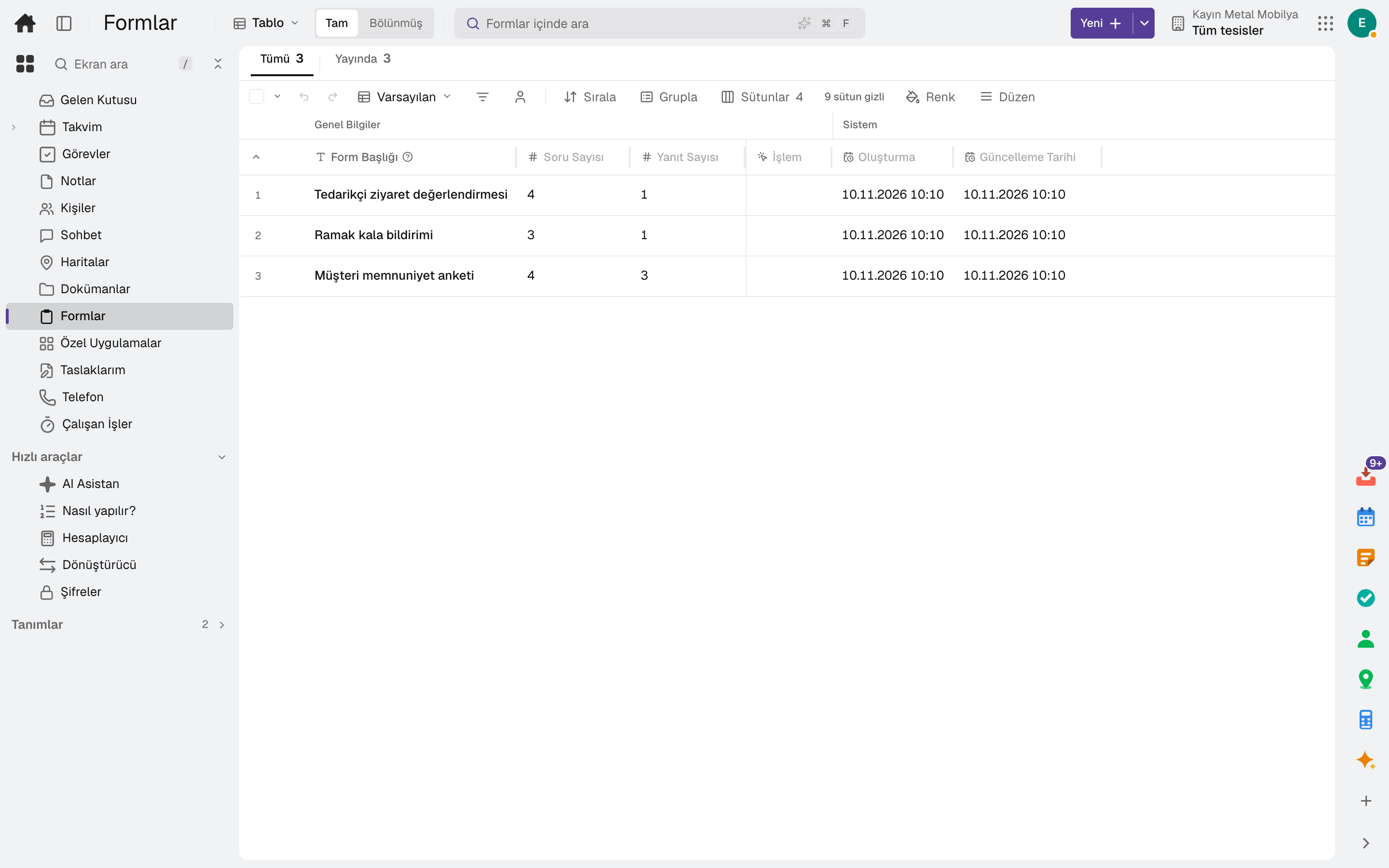
Forms and surveys are built with conditional logic, shared by link or QR code and embedded in your website. Responses are collected in a table and in charts; notifications, approval flows and document output start from the response.
The tool runs on the same account and the same data as the business apps; no separate setup is needed.
Highlights
Text, number, date and choice fields; rating and NPS, matrix, file upload, signature, location and voice recording.
Conditional show and hide, page branching and jumping to the end page; score and total calculation, piping an answer into a later question.
Share link, password and link lifetime, QR code; embedded in a site inline, as a pop-up or full screen.
Filterable response table, summary and chart results, CSV and Excel export; a partial response resumes where it left off.
Notification to the form owner and the respondent, approval flow, PDF document output and webhook; a task is opened from the response.
Theme with colour, font, logo and cover image; multiple pages, progress bar, cover and conditional end pages.
Frequently asked
No. Anyone can fill it in with the share link or QR code; the link can be password-protected and time-limited. File upload is turned off on public links.
Yes. The form is embedded inline, as a pop-up, as a slide-in or full screen.
On the same account
The tools are connected: a message becomes a task, a task goes on the calendar, a form response becomes work.
Team chat, right next to the record you are talking about.
DetailsEvents, tasks and appointments in one calendar.
DetailsPersonal tasks and a record's tasks in one list.
DetailsFiles, documents, sheets, wiki and whiteboard in one place.
DetailsYou build the record and the rule the product does not have, without writing code.
DetailsApprovals, work, notifications and e-mail in one inbox.
DetailsTry it free for 15 days; no credit card needed. We reply to your questions within one business day.