IT specialistFrom request to change, IT's work on one desk.
IT requests reach the right group by priority; changes run with their risk and approval, and the inventory shows what will be affected if an item goes down. Licence, domain and certificate expiries are visible in advance.
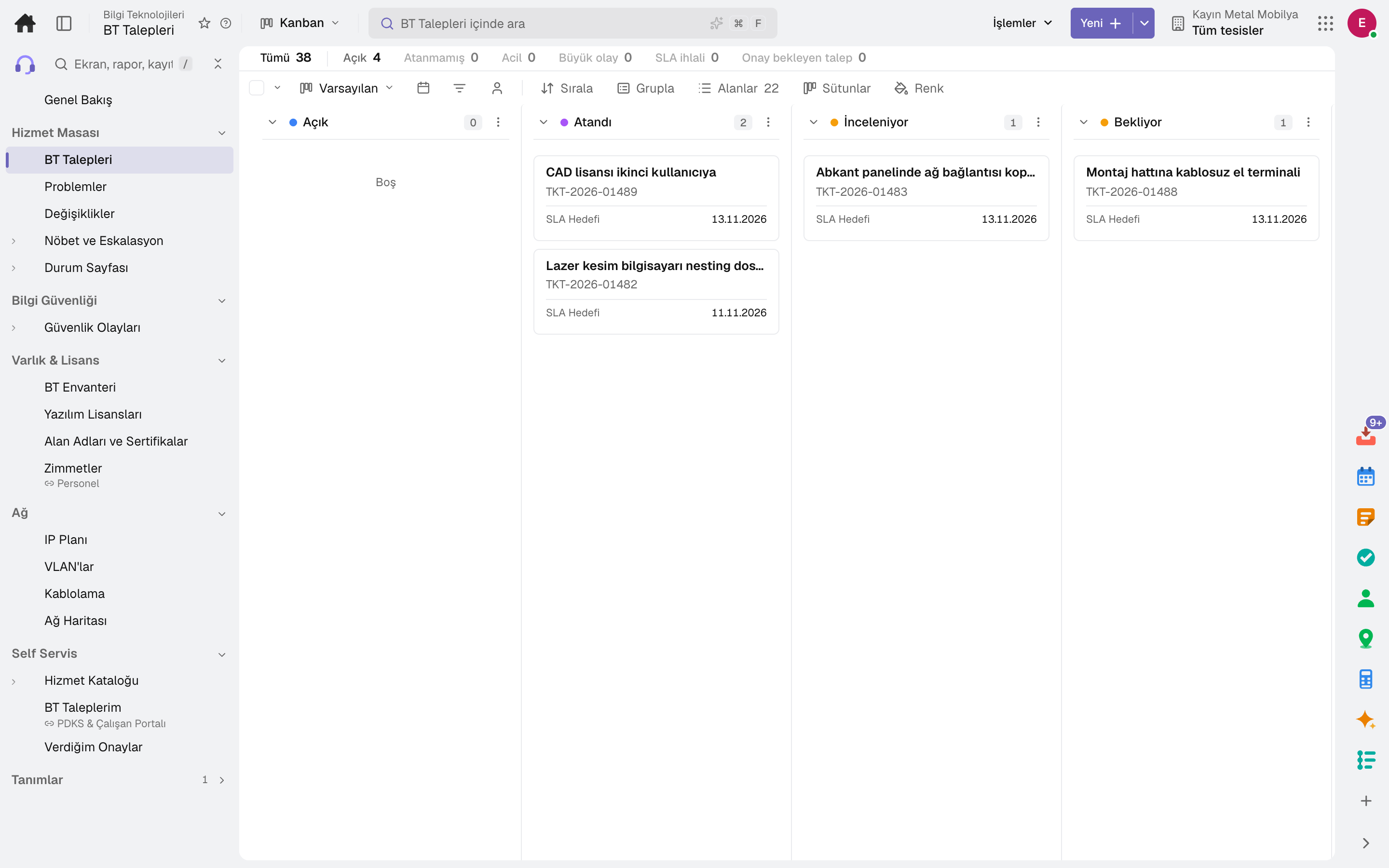
- IT Requests
Through the day
What does an IT specialist do on the platform?
Every step is a working feature of the product; click its name to go to the module it describes.
- 01Handles requests
IT incidents and service requests get their priority from impact and urgency and are assigned to IT groups automatically; the SLA is tracked.
- 02Manages changes
Standard, normal and emergency changes run with risk, plan and rollback plan; conflicting changes show in the calendar.
- 03Keeps the inventory
Servers, applications, network and computers are recorded with their relationships; if an item goes down, what is affected is shown. Unused licence seats are listed.
- 04Watches security
A security incident runs through its stages, vulnerabilities are tracked with a remediation deadline, and domains and certificates are checked every morning.
Apps
What IT specialists use most
All on the same data model; whatever their role, everyone looks at the same record. The other 21 modules are open in your account too.
Frequently asked
For IT specialists
Where does an employee open a request?
From the service catalogue or the «My IT Requests» screen; the request's status is followed in the same place.
Could we miss a certificate expiry?
Domains and certificates are checked every morning; an IT incident is opened when expiry is near.
Legal and systems
On the same team
Close next month end without a reconciliation marathon.
Try it free for 15 days; no credit card needed. We reply to your questions within one business day.